What's new in Medusa POS
· 4 min read
Since our first release in June, Medusa POS has grown from a simple checkout into a till that handles a whole shop day: every way to pay, returns and exchanges, parked sales and a cash register. And the newest release is redesigned from the ground up for touchscreens. Here is what changed, and what it means at the counter.
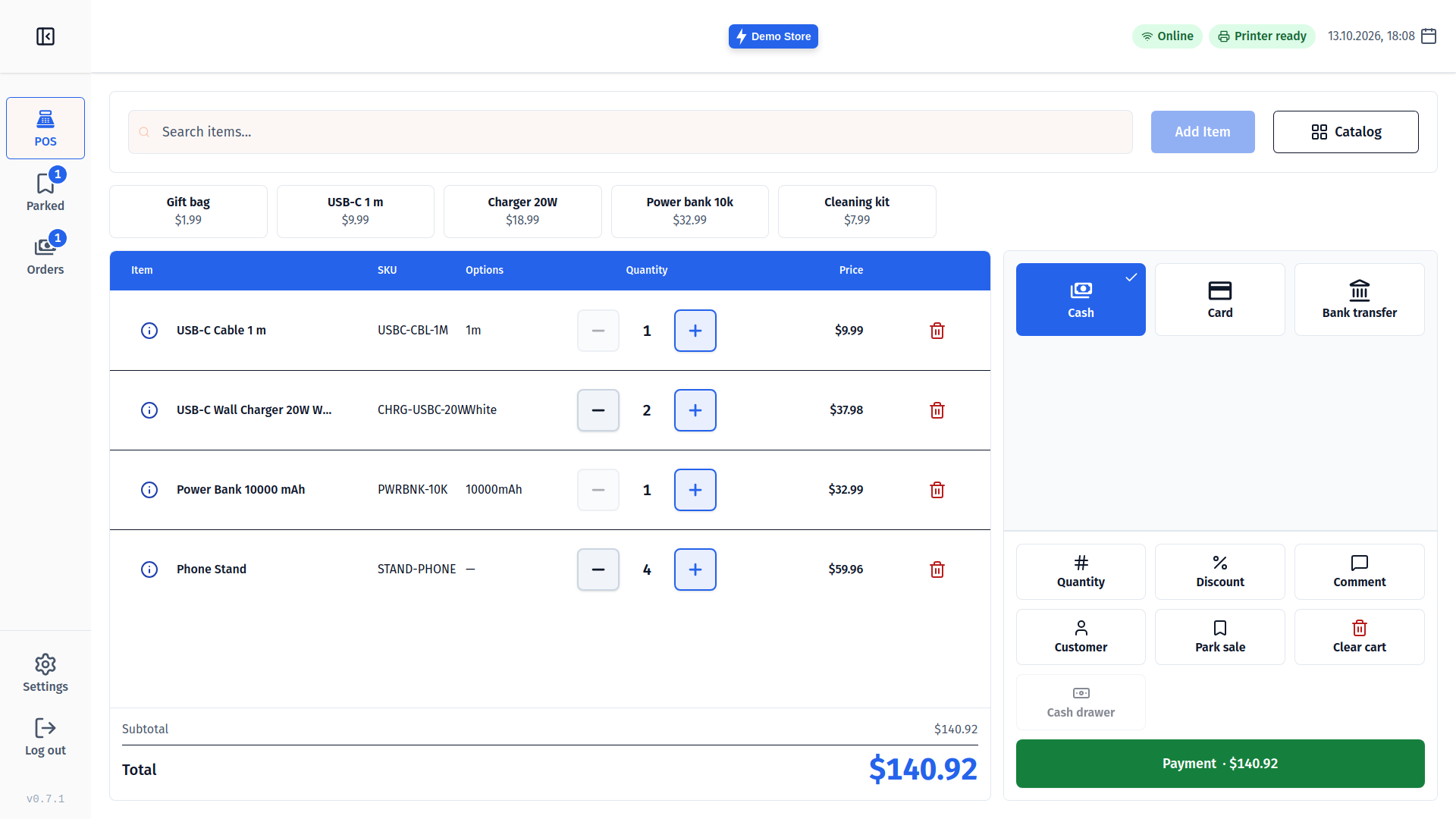
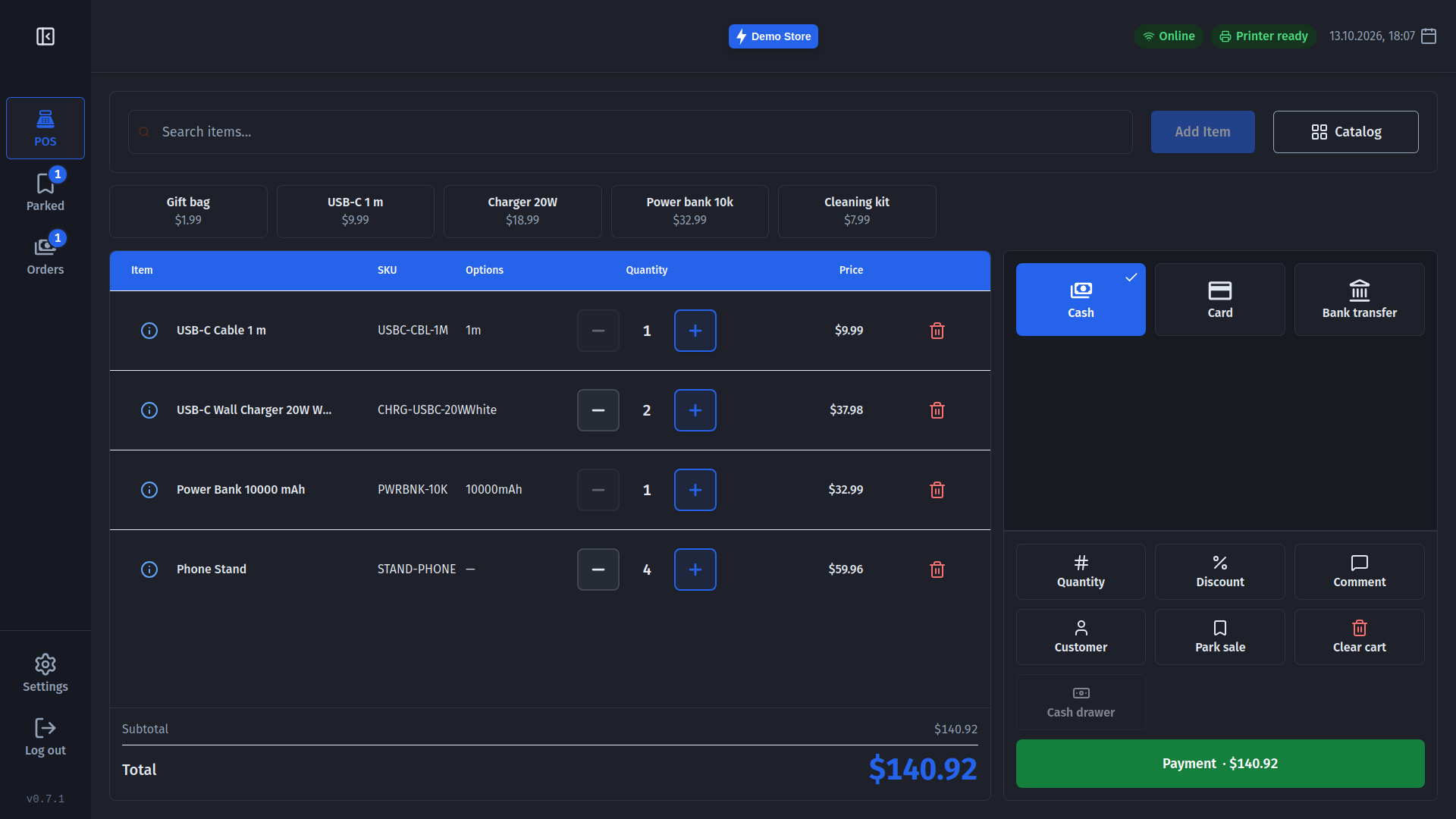
Made for a touchscreen
Every button, field and list row is now big enough for a finger, and amounts are typed on a large keypad rather than the on-screen keyboard. Quantities have large - and + buttons you can hold to count up. Removed an item or cleared the cart by mistake? Tap Undo. State is always shown with an icon and a word, not colour alone, so it reads at arm's length in a bright shop.
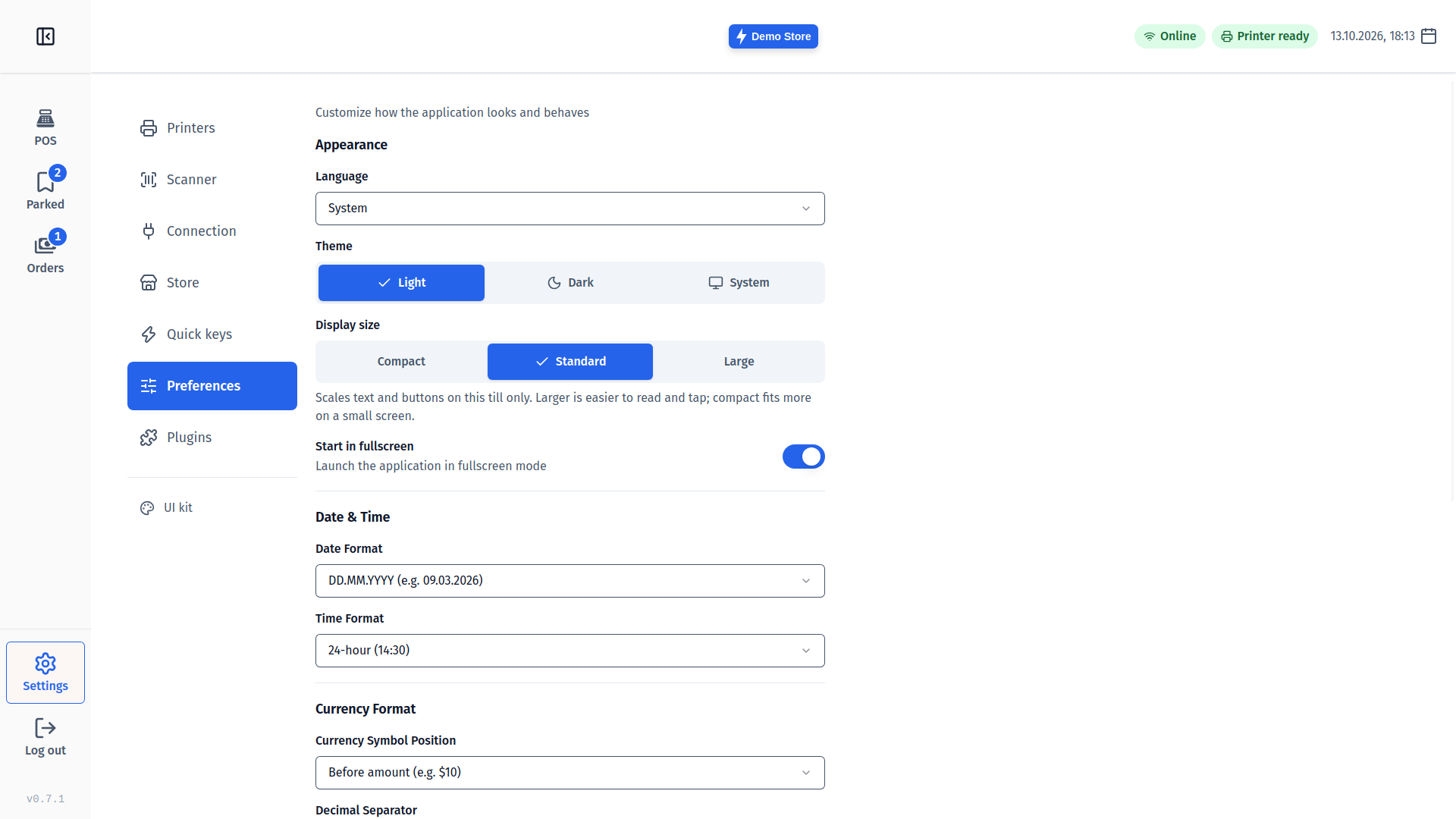
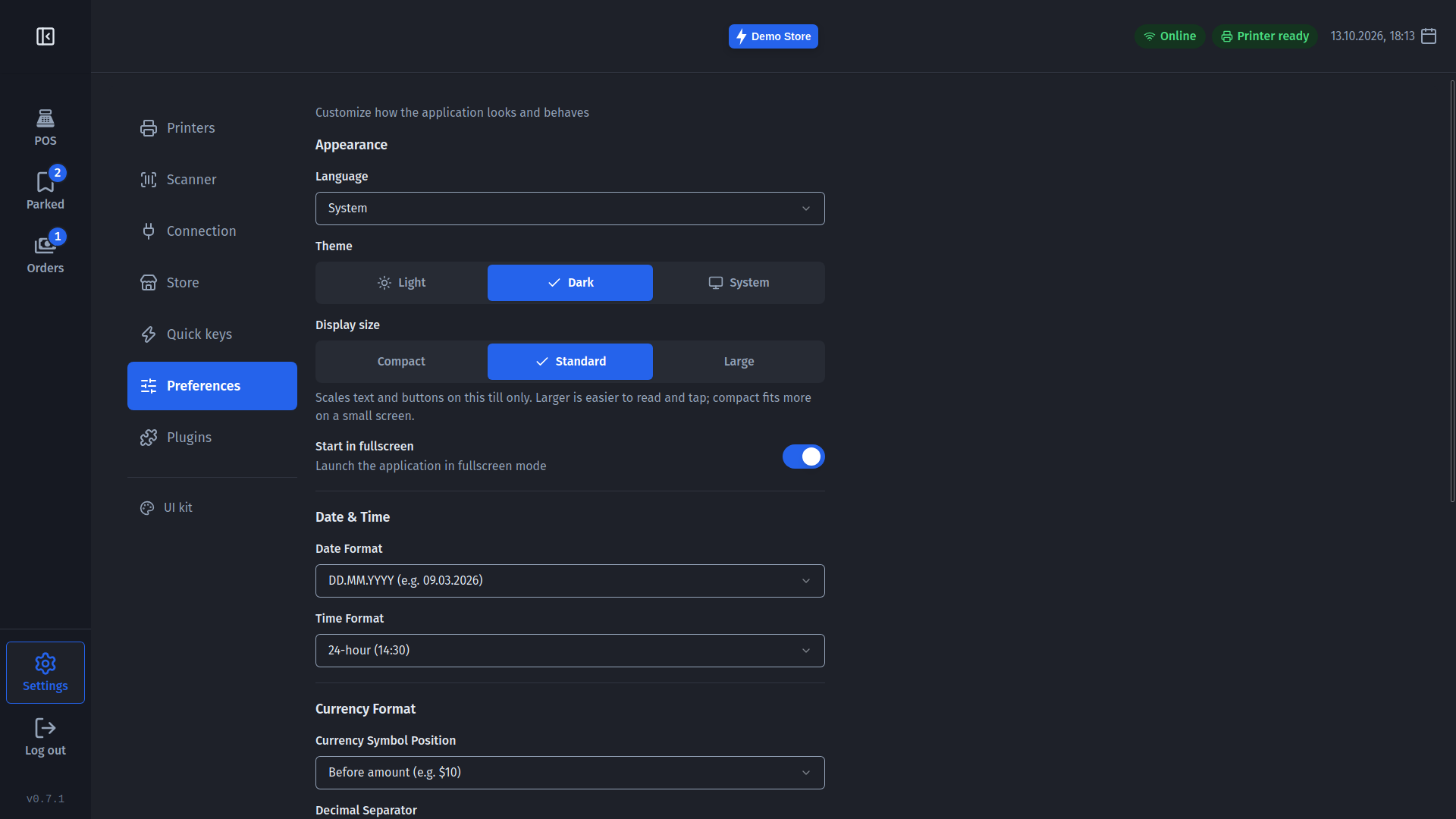
- Display size - make everything bigger or smaller to suit your screen and your staff.
- Sounds - a short beep for a scan, a distinct buzz for a failed one, a chime for a sale. Switch each on or off.
- Seven languages - English, Georgian, German, Spanish, French, Polish and Swedish.
Faster to ring up
- Quick keys - pin up to eight best sellers, or items without a barcode, as one-tap buttons above the cart.
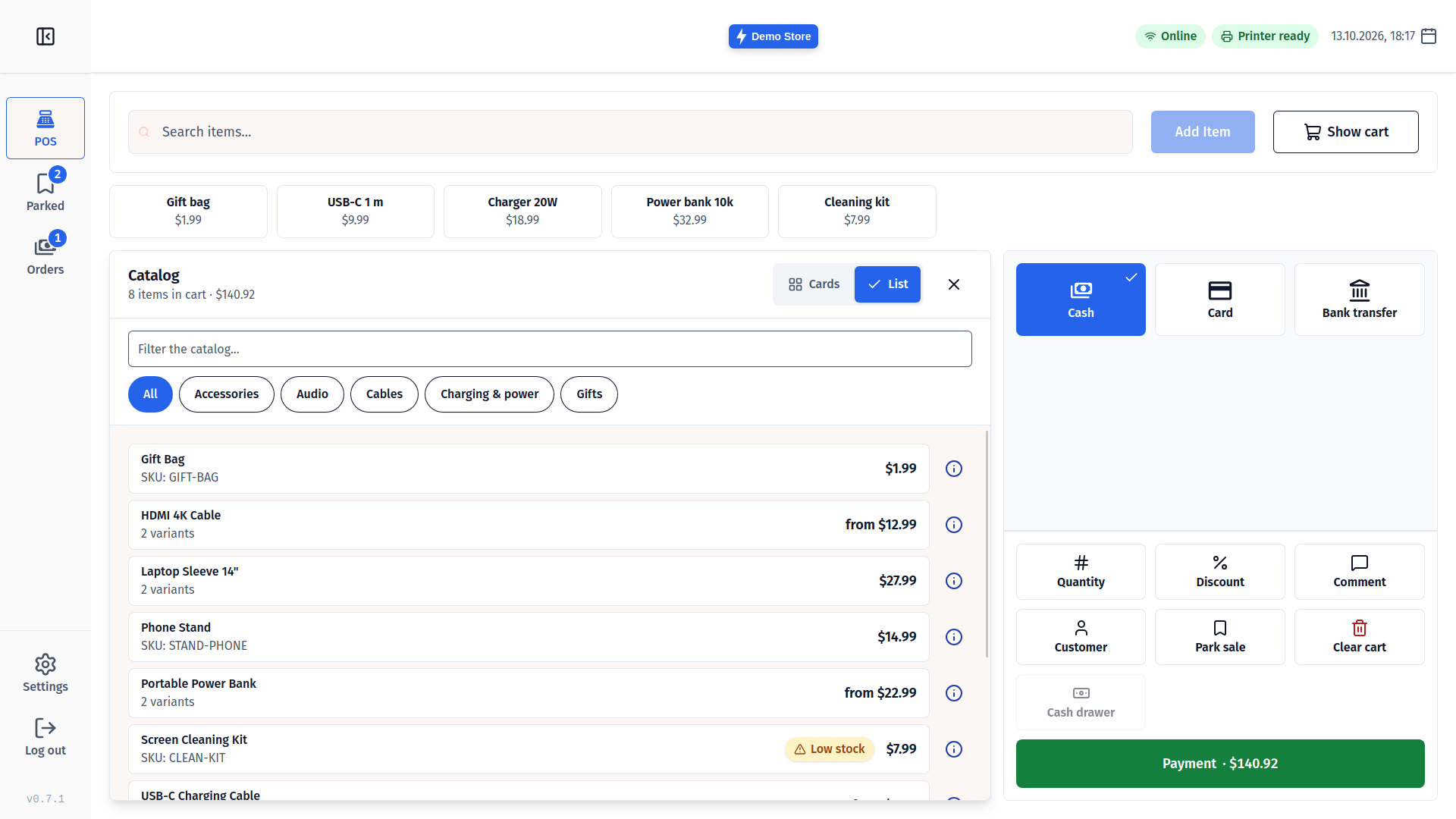
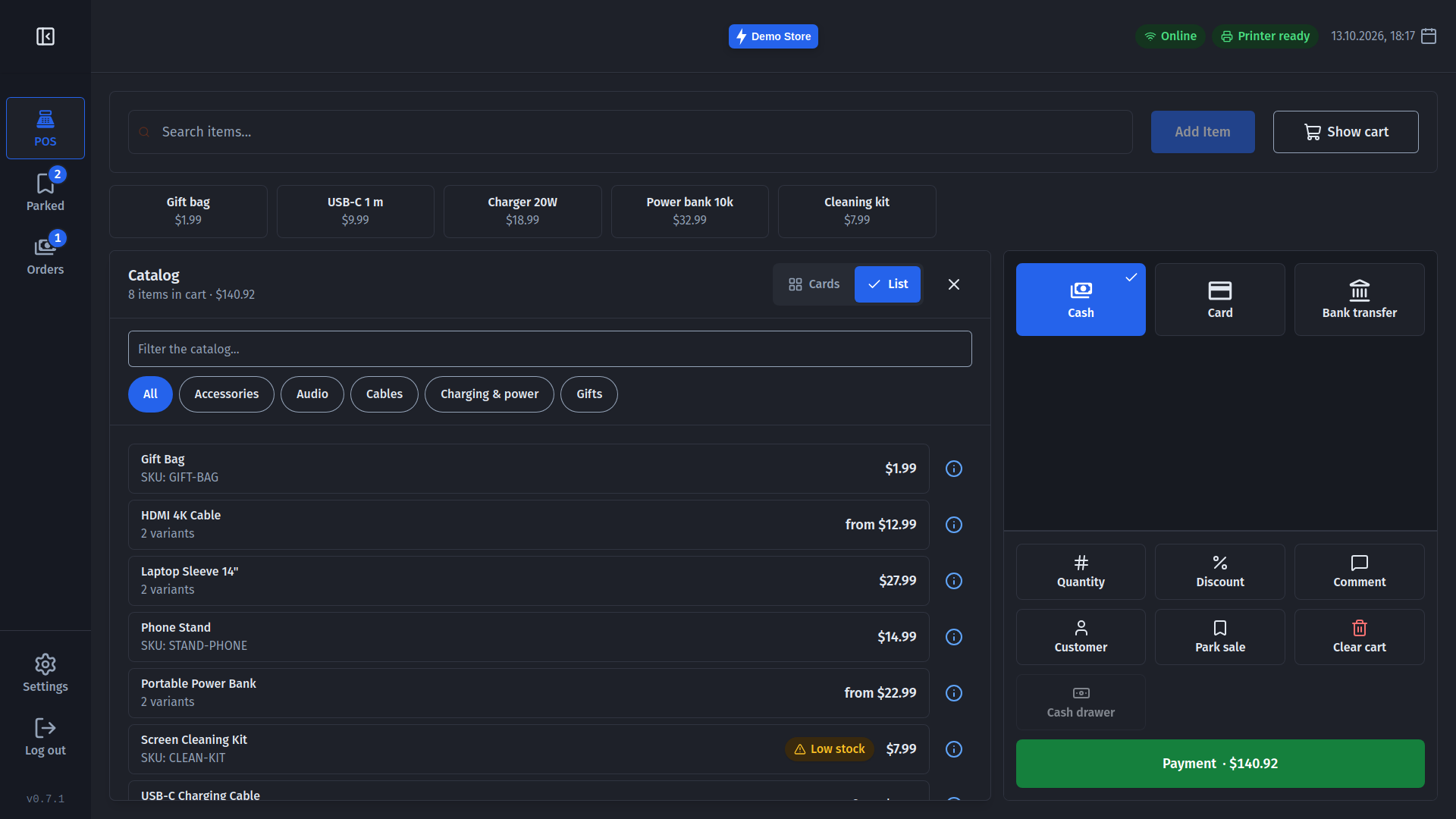
- Catalog - browse products by category, with prices and stock, right from Checkout.
- Scanning that just works - keyboard-style and serial scanners, any code; the new line flashes so you see it land, and an unknown barcode tells you so right under the search bar.
Every way to pay
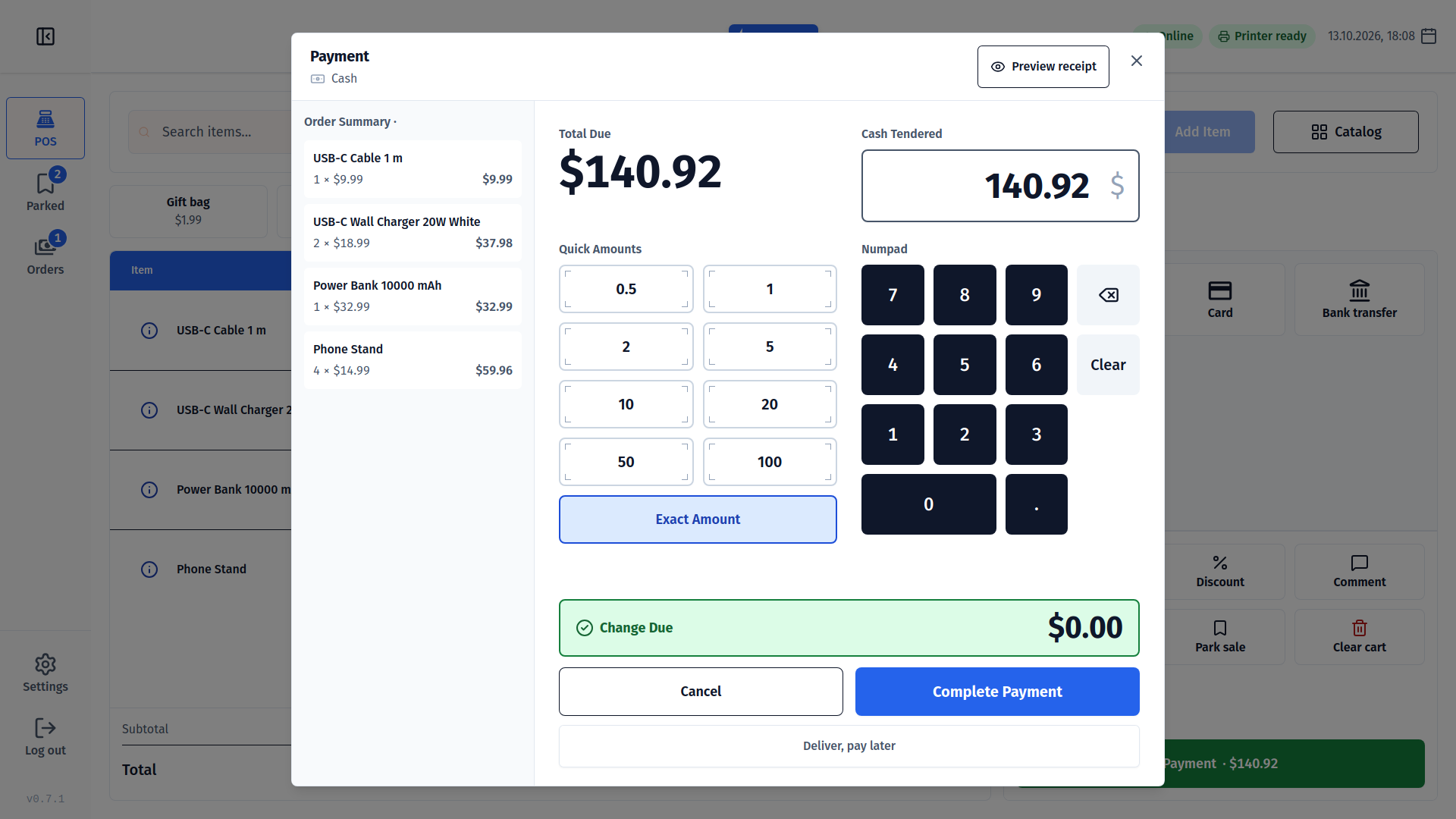
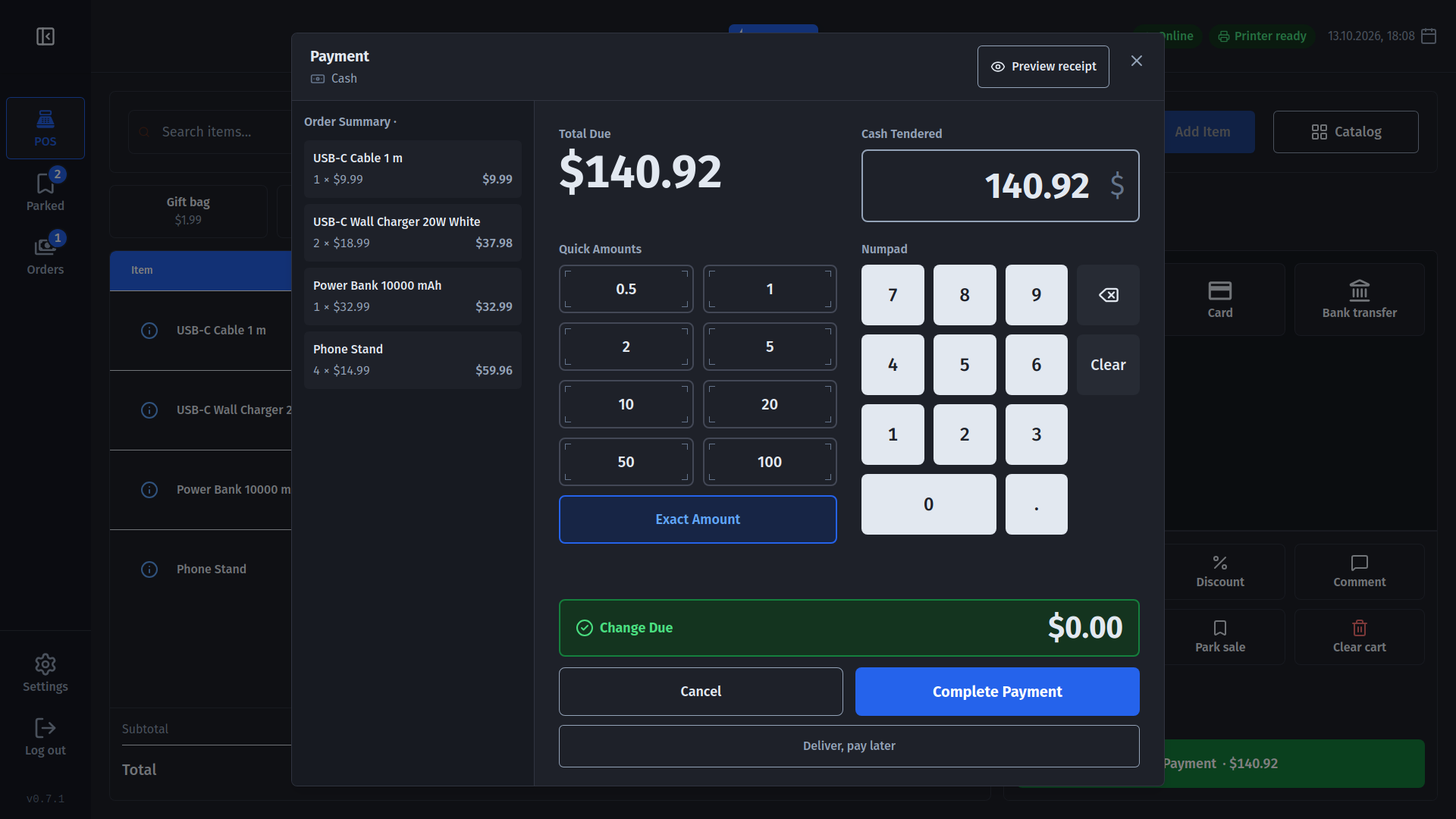
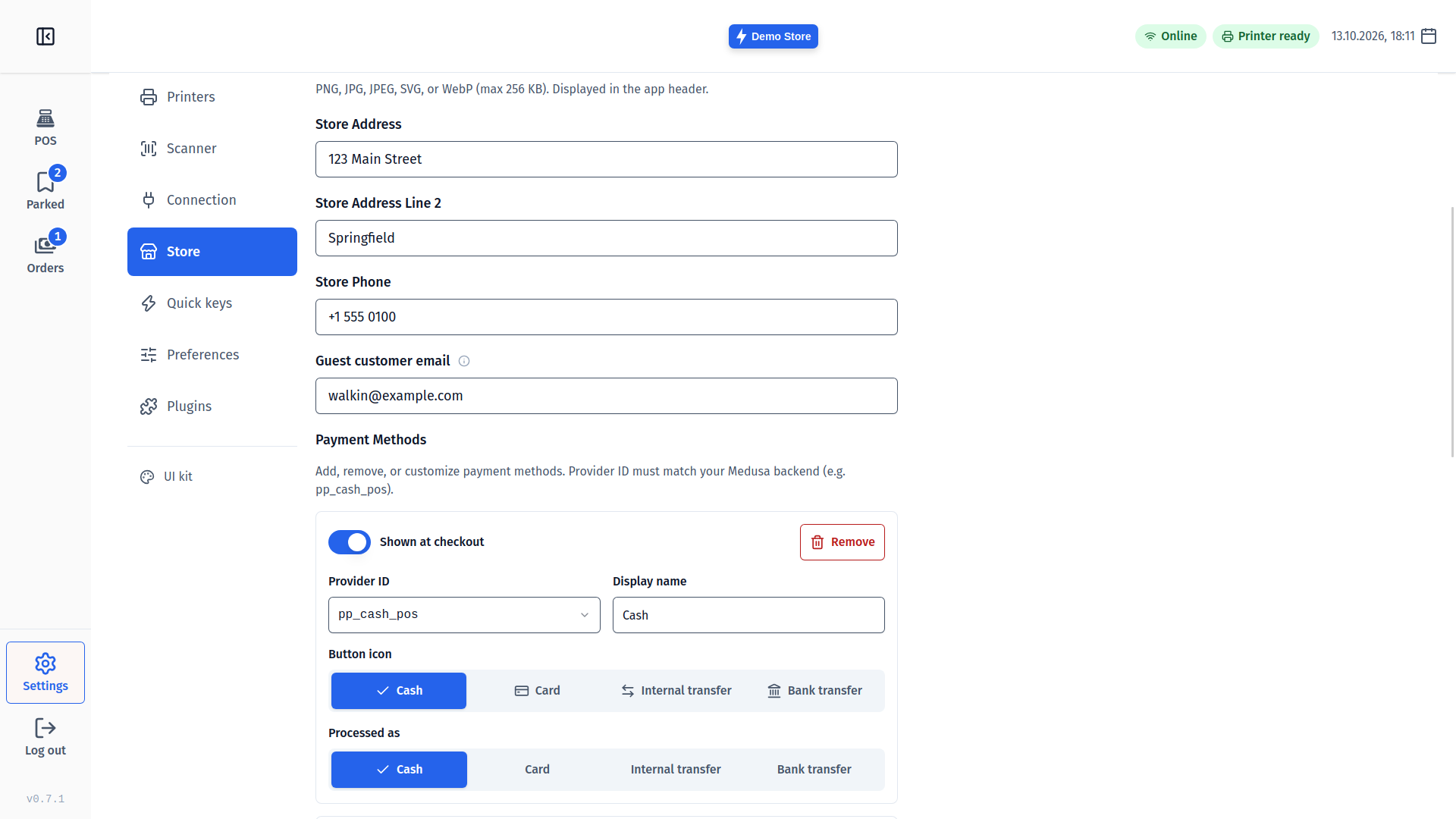
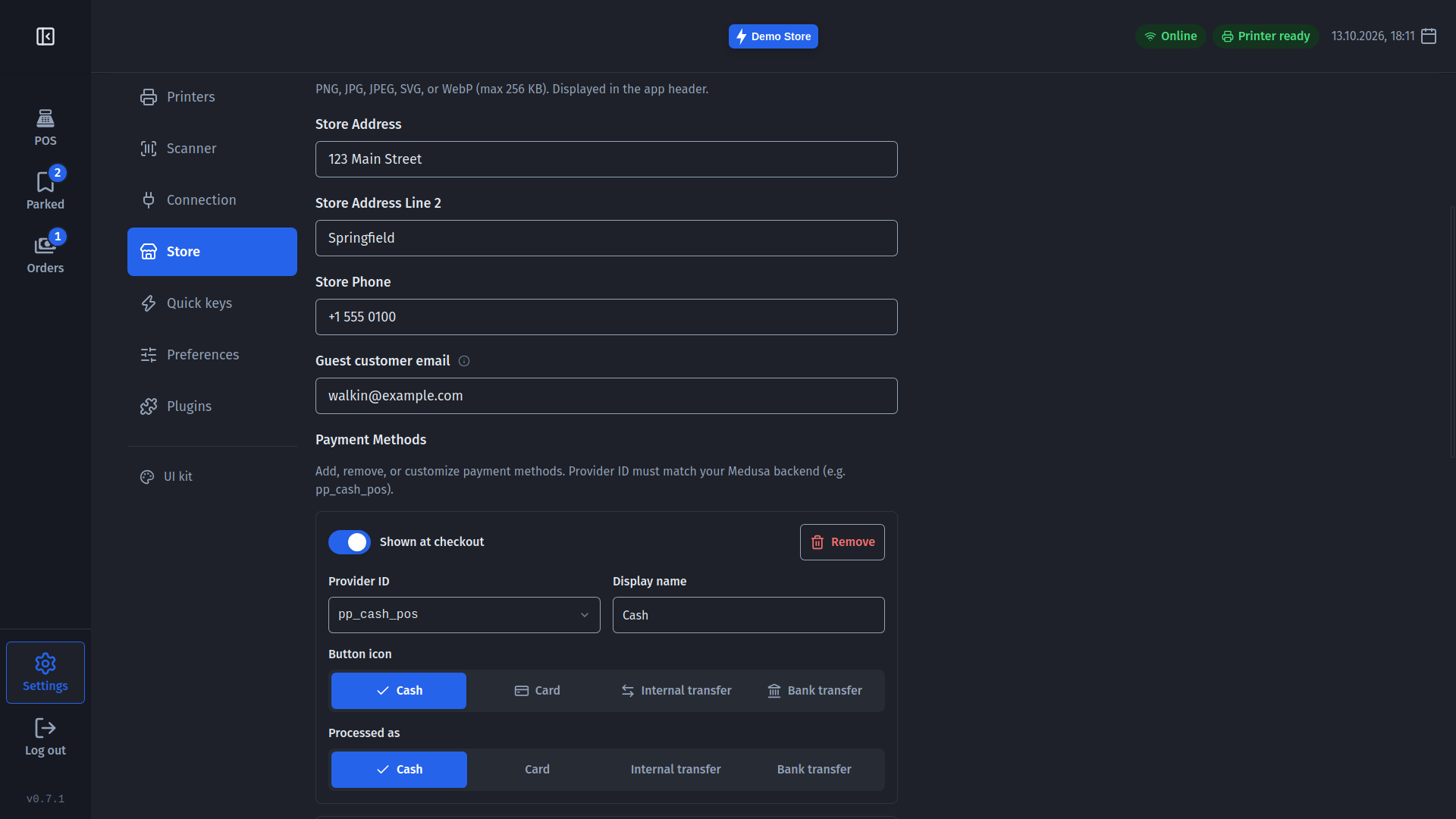
Payment methods now come from your Medusa store, so the till offers exactly the ones you set up: cash with change, card terminals, bank transfer and more. A sale can also be delivered now and paid later; unpaid receipts print your bank details so the customer knows where to pay. For markets without small coins, cash rounding rounds the cash amount for you.
After payment, a success screen shows the change in large numbers, so you can count it out while looking at the screen. Tap New sale, or just scan the next item.
Returns, exchanges and refunds
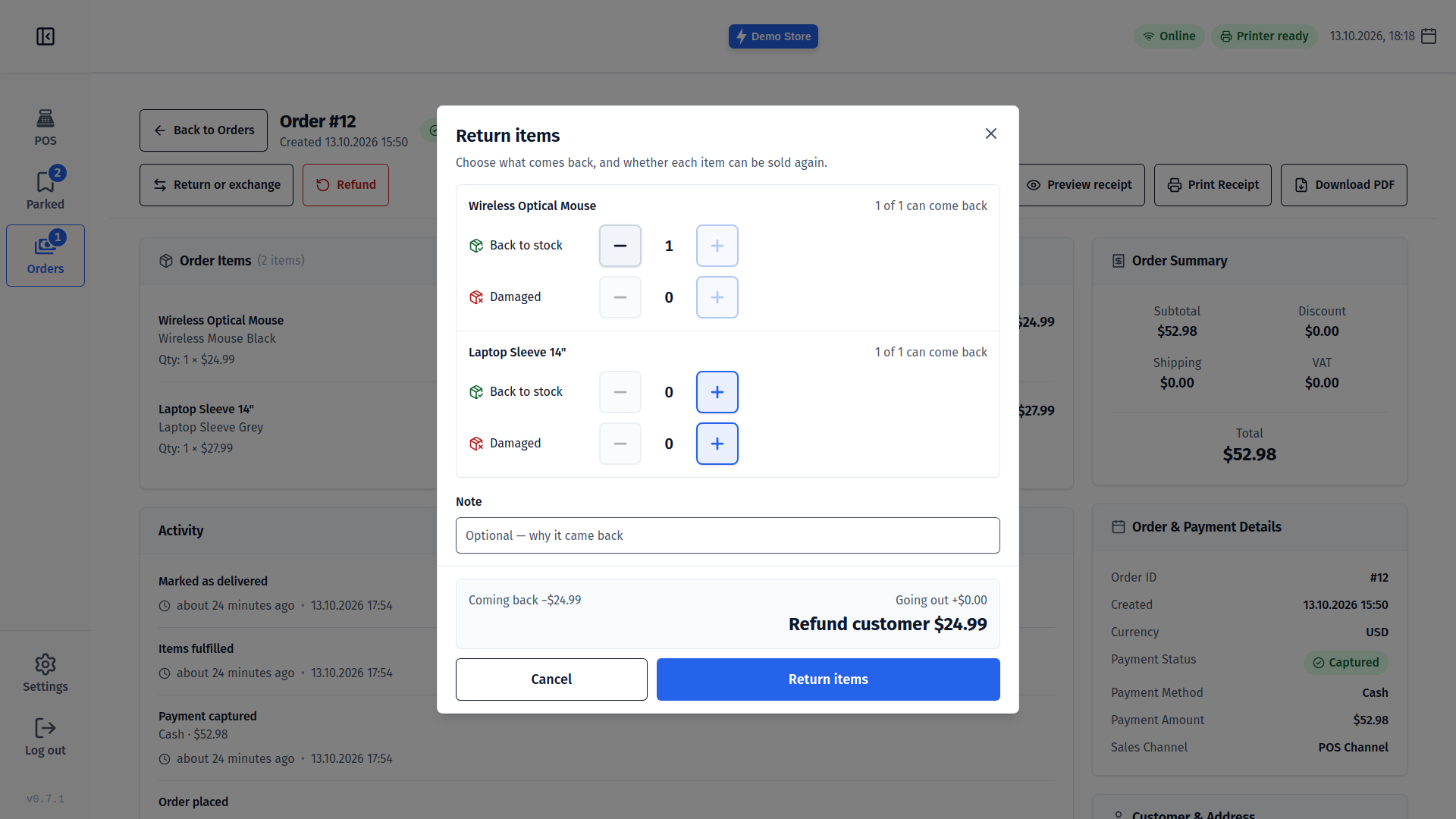
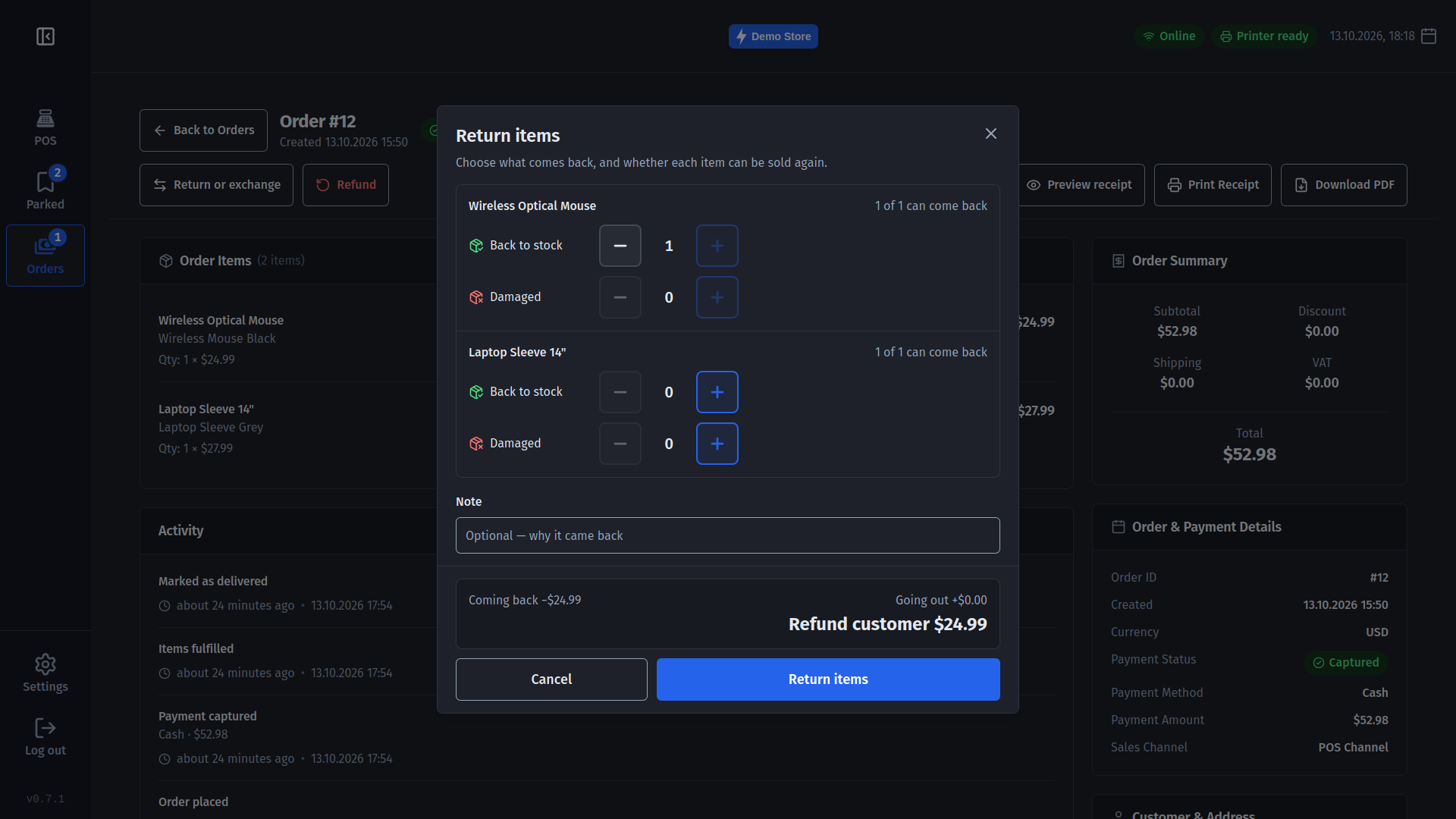
Customers come back. From the order page you can now take items back (back to stock or damaged), swap them for something else, add items to a sale, and refund the difference to the right payment method - all settled at the till, with a slip for the customer.
Park a sale
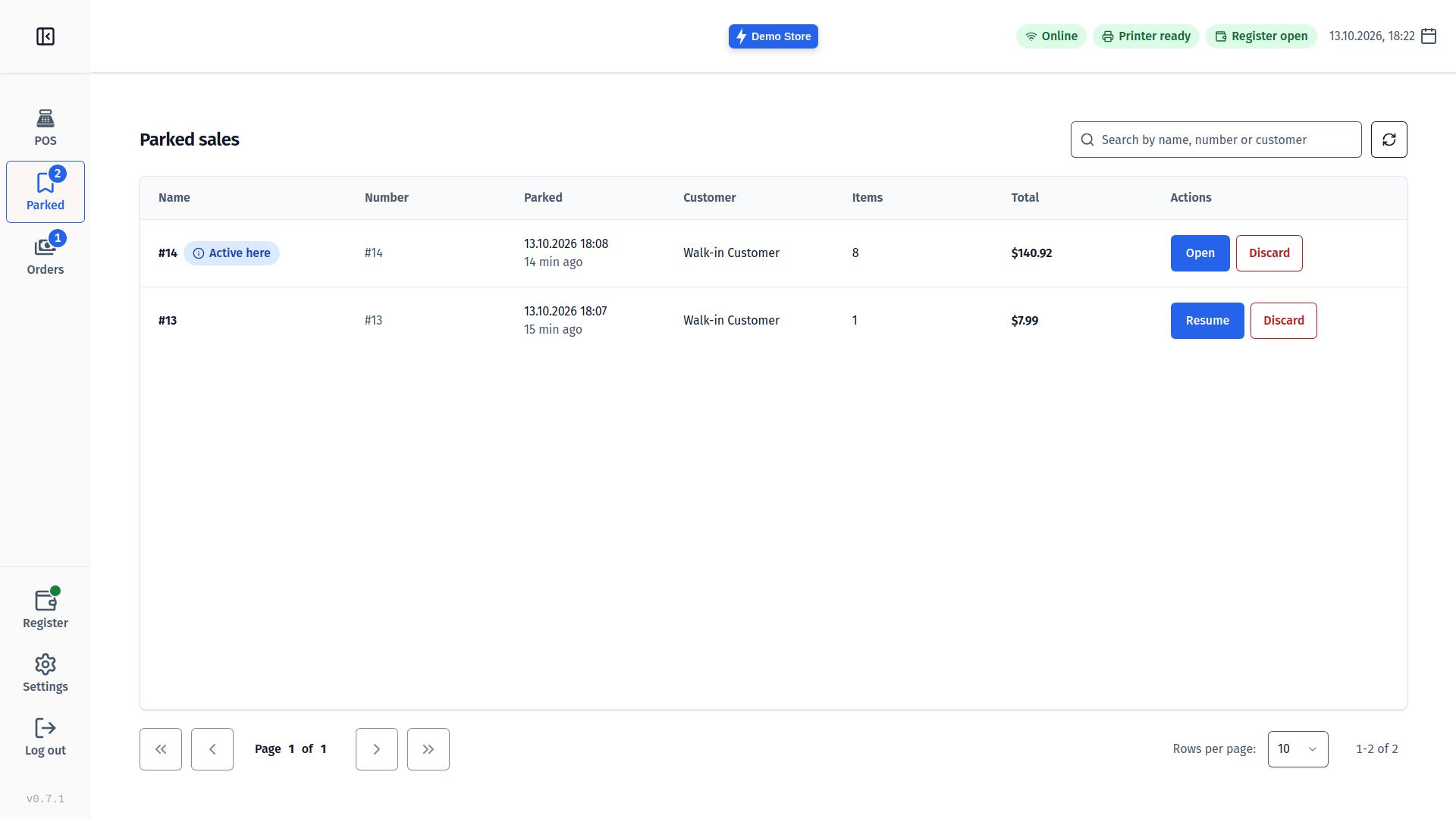
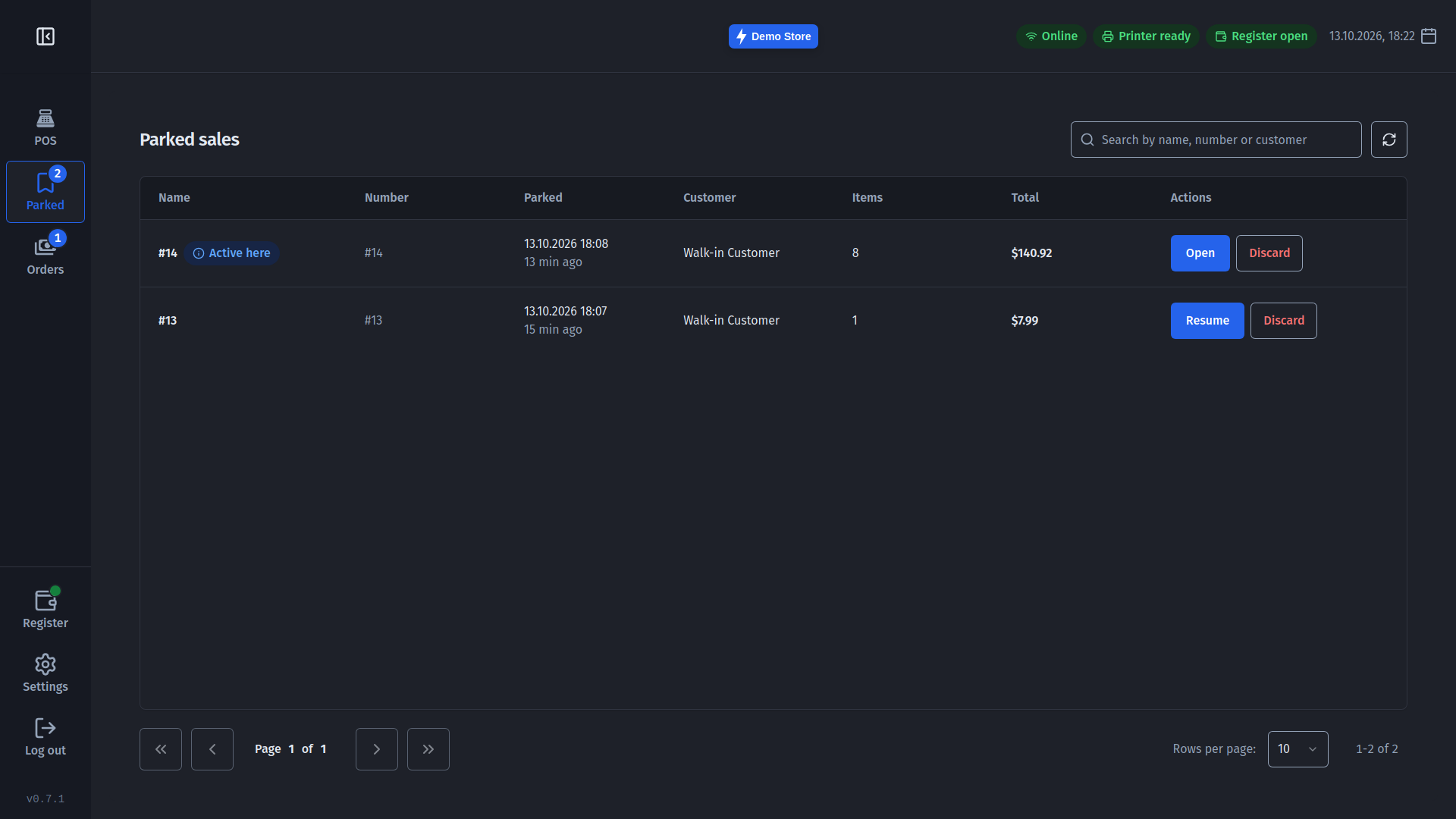
Put a sale aside, serve the next customer, and pick it up again later - on any till in the same shop. If stock moved while it was parked, the till tells you before you take payment.
A cash register you can trust
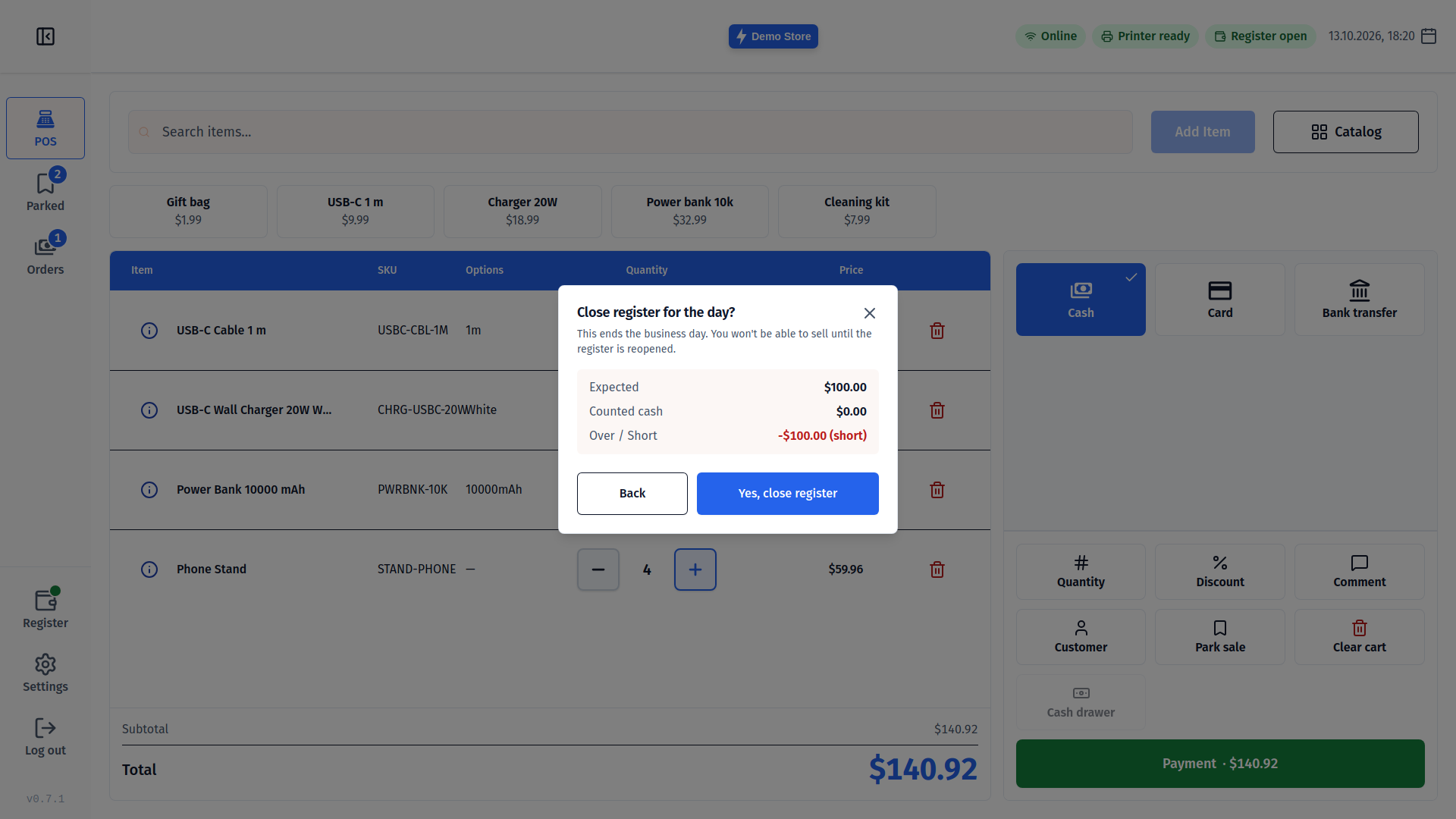
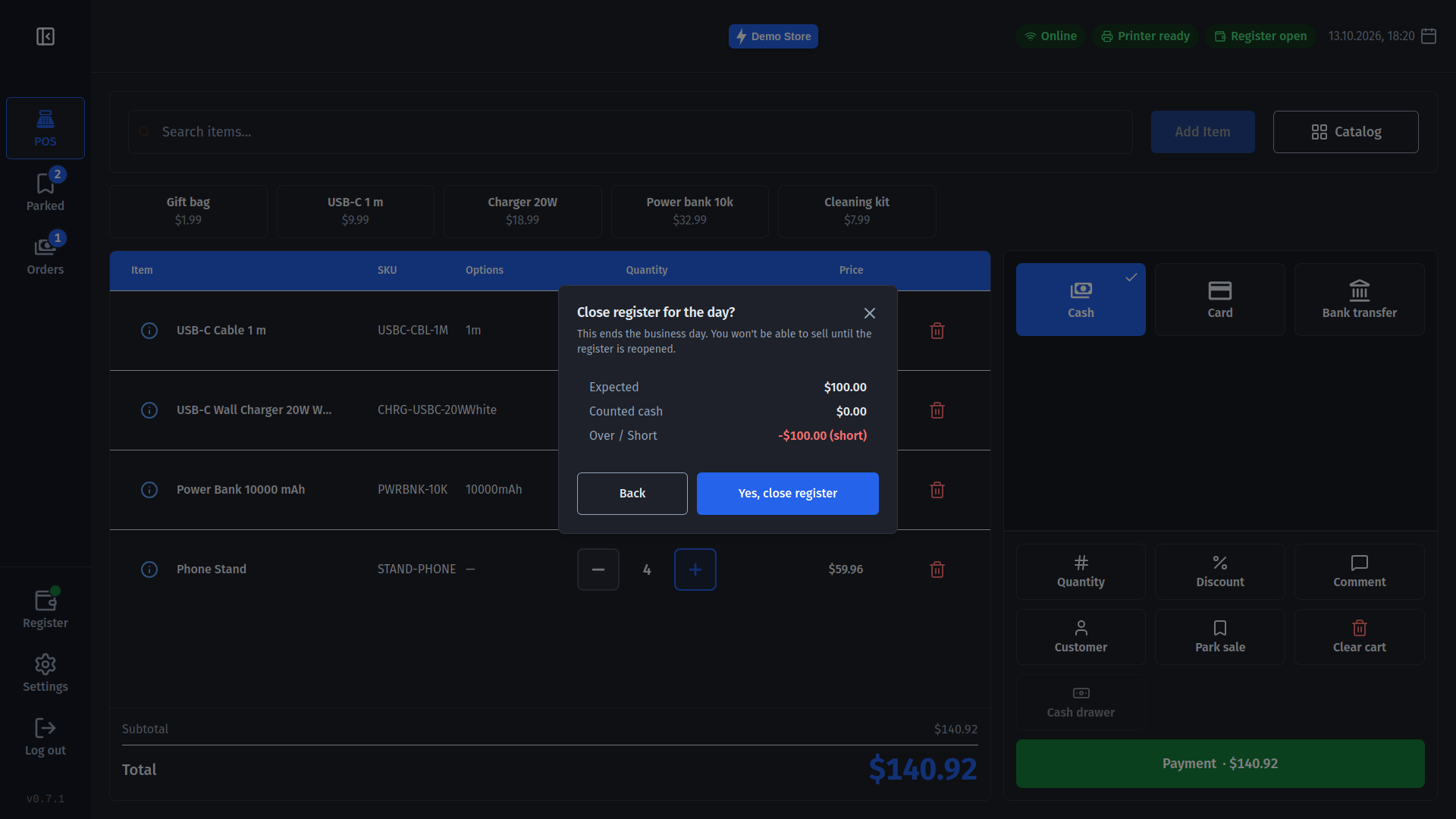
Open the day with your float, record cash taken in or out, and close with a count. The till shows what the drawer should hold next to what you counted, with Balanced, Over or Short in clear colours, and prints a summary.
Receipts and printers
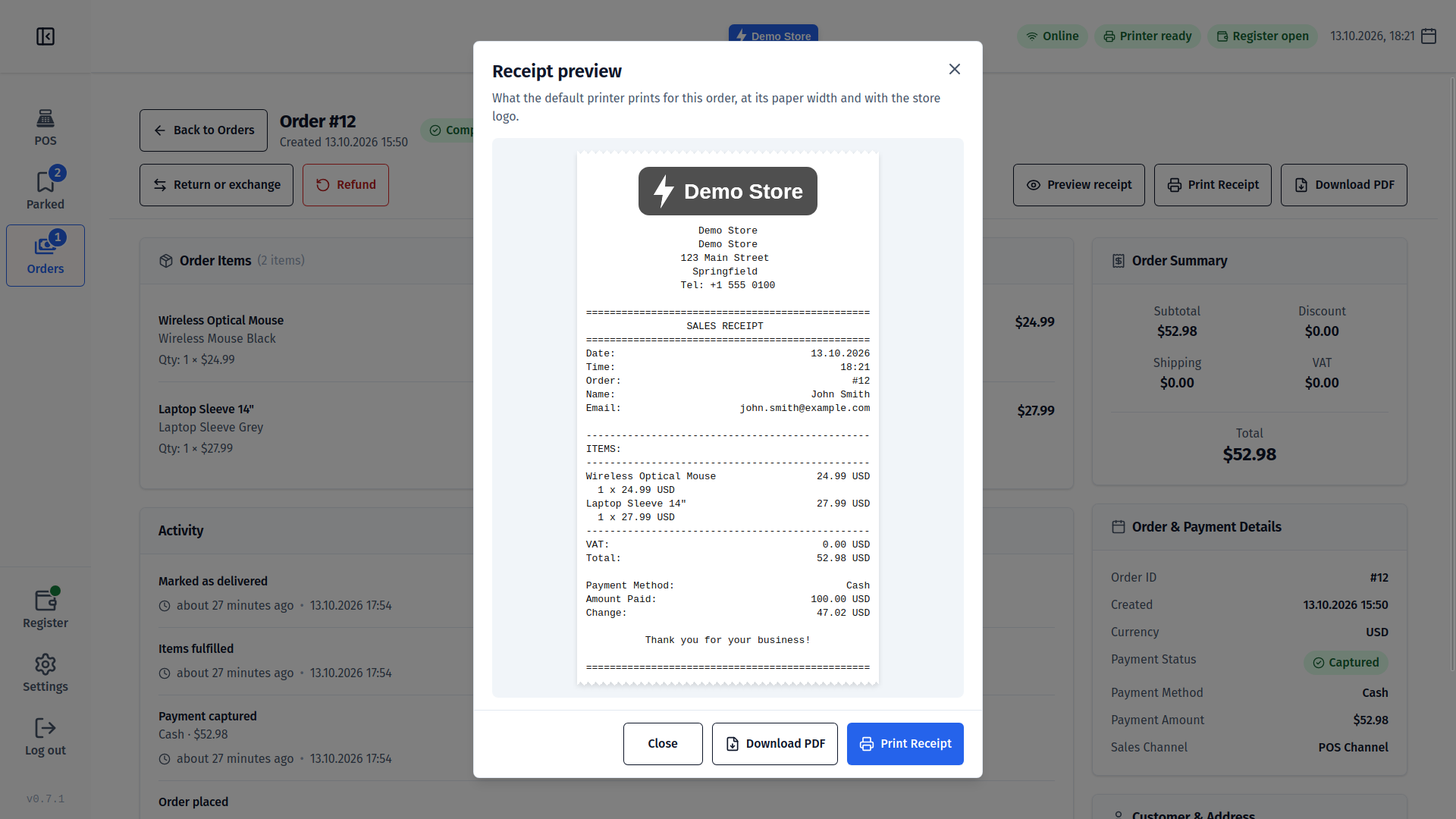
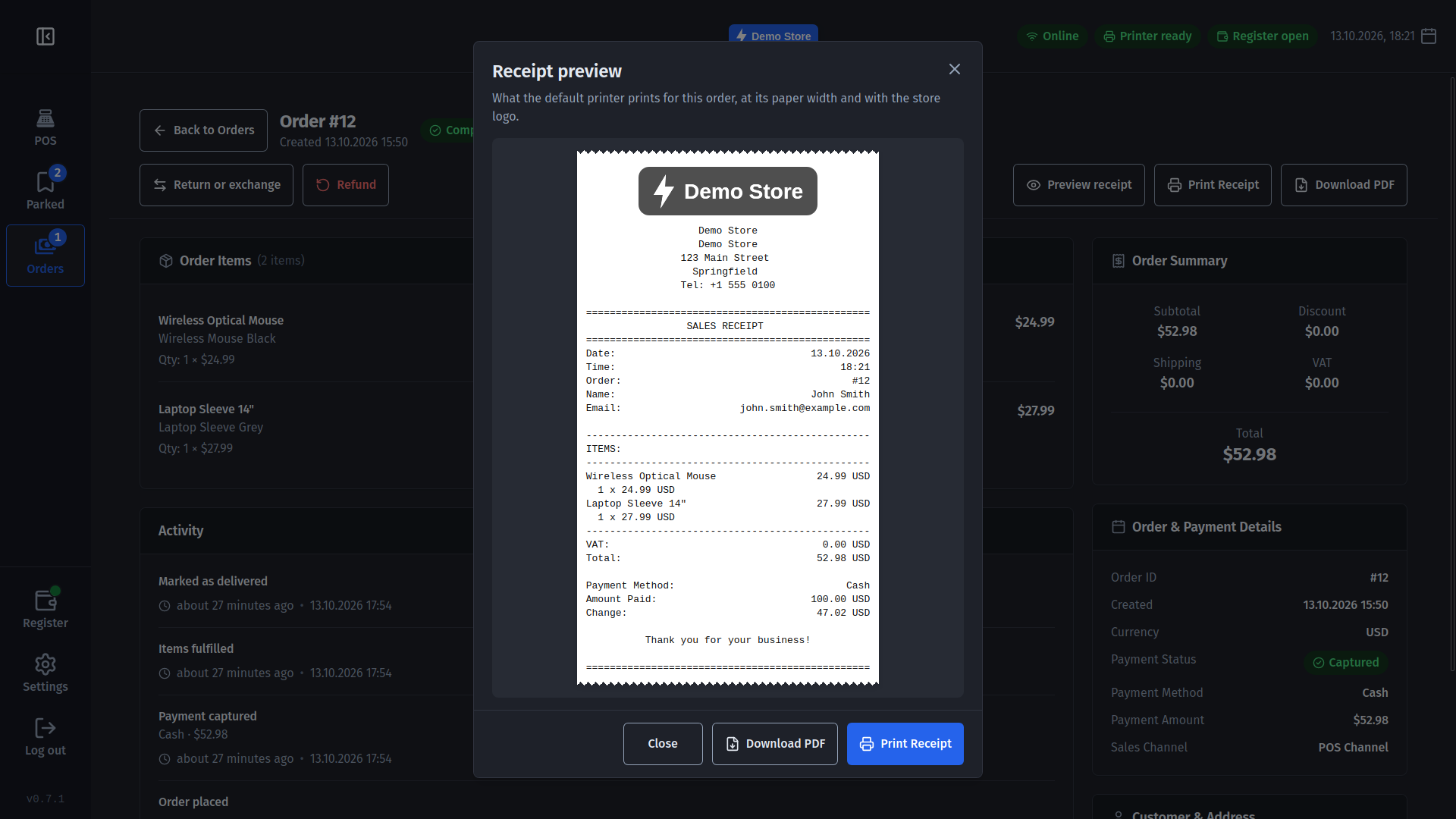
- Receipt preview - see exactly what the printer will print, logo included, before any paper moves; or save it as a PDF.
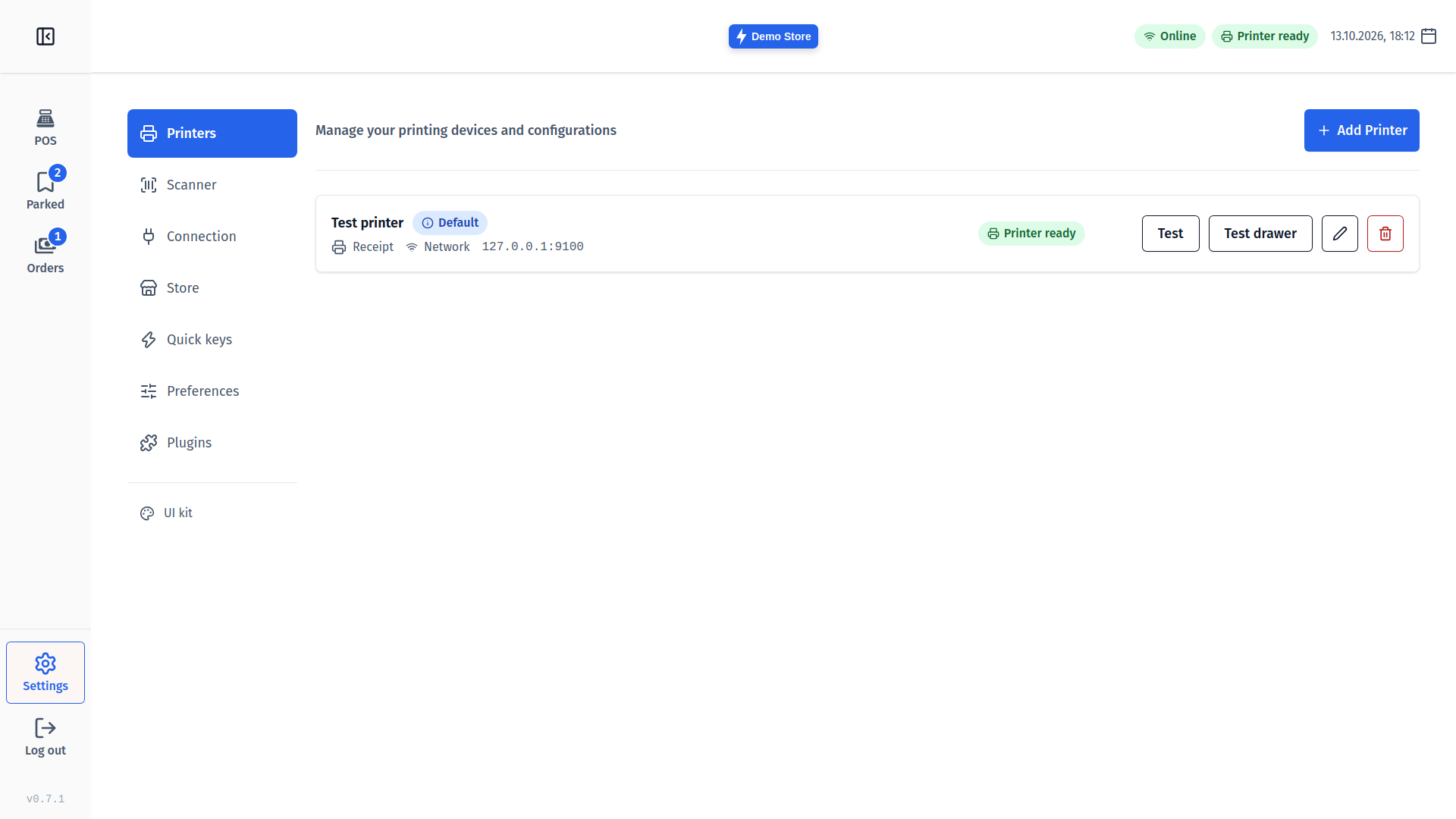
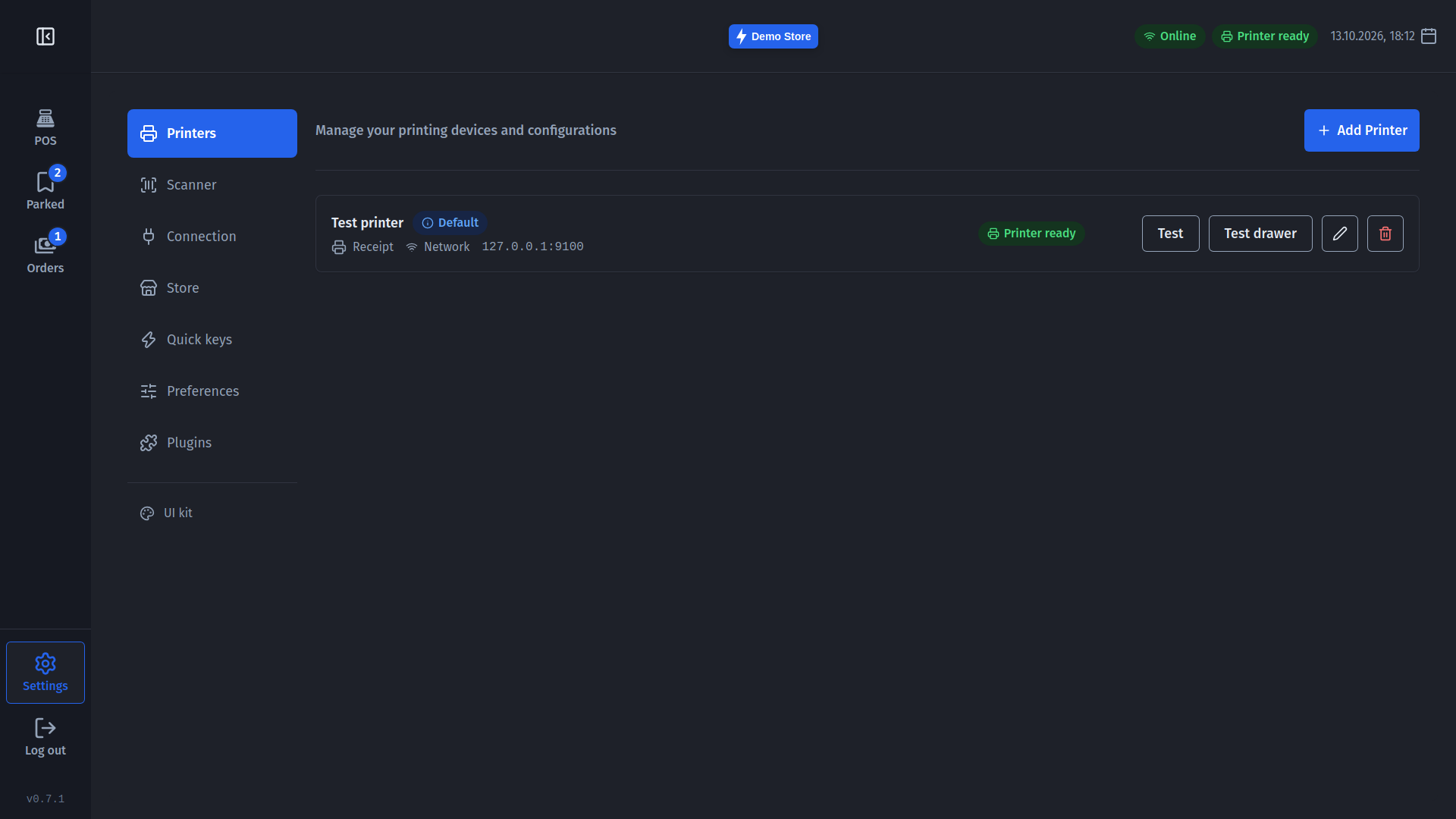
- Live printer status - "Out of paper" or "Cover open" shows in the top bar before a sale fails.
- Network, USB or system printers, 80 mm or 57 mm, and Georgian text prints correctly.
A till you can rely on
The top bar always shows whether the till is online and whether the register is open. A slow start no longer looks like a failure, a dropped connection doesn't lose the sale, and your settings survive every update. Updates never interrupt a sale: the till waits until it is finished.
How to update
If you already use Medusa POS, the app offers the update itself - install it when the cart is empty. New here? Download it below and follow our getting started guide.