Free and open-source point of sale
Medusa POS — the touch-first till for MedusaJS
Sell, take payment, print receipts and handle returns from one touchscreen app — connected to the same Medusa store as your website.
Features
Everything a shop needs at the counter, on top of the Medusa store you already run.
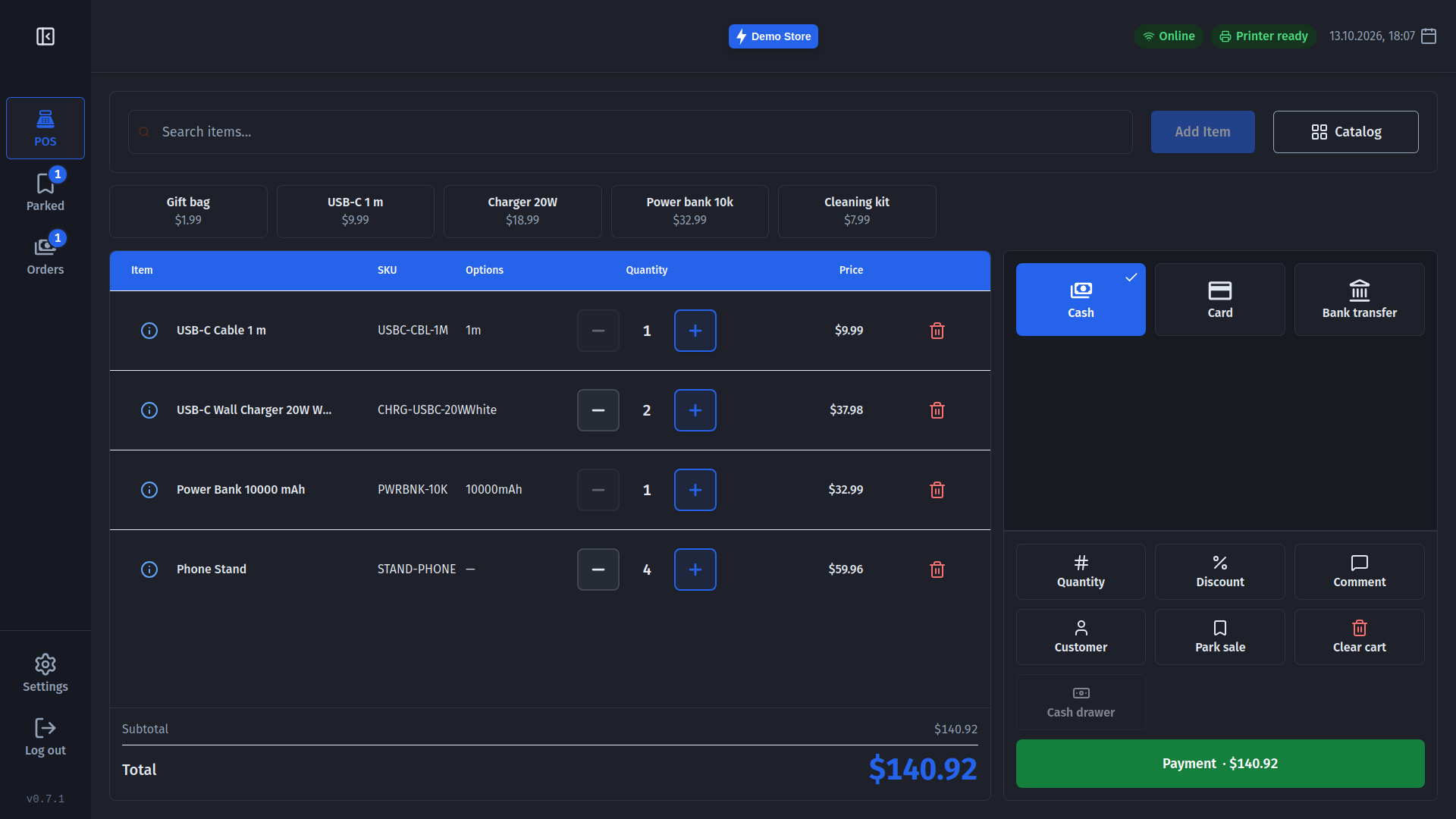
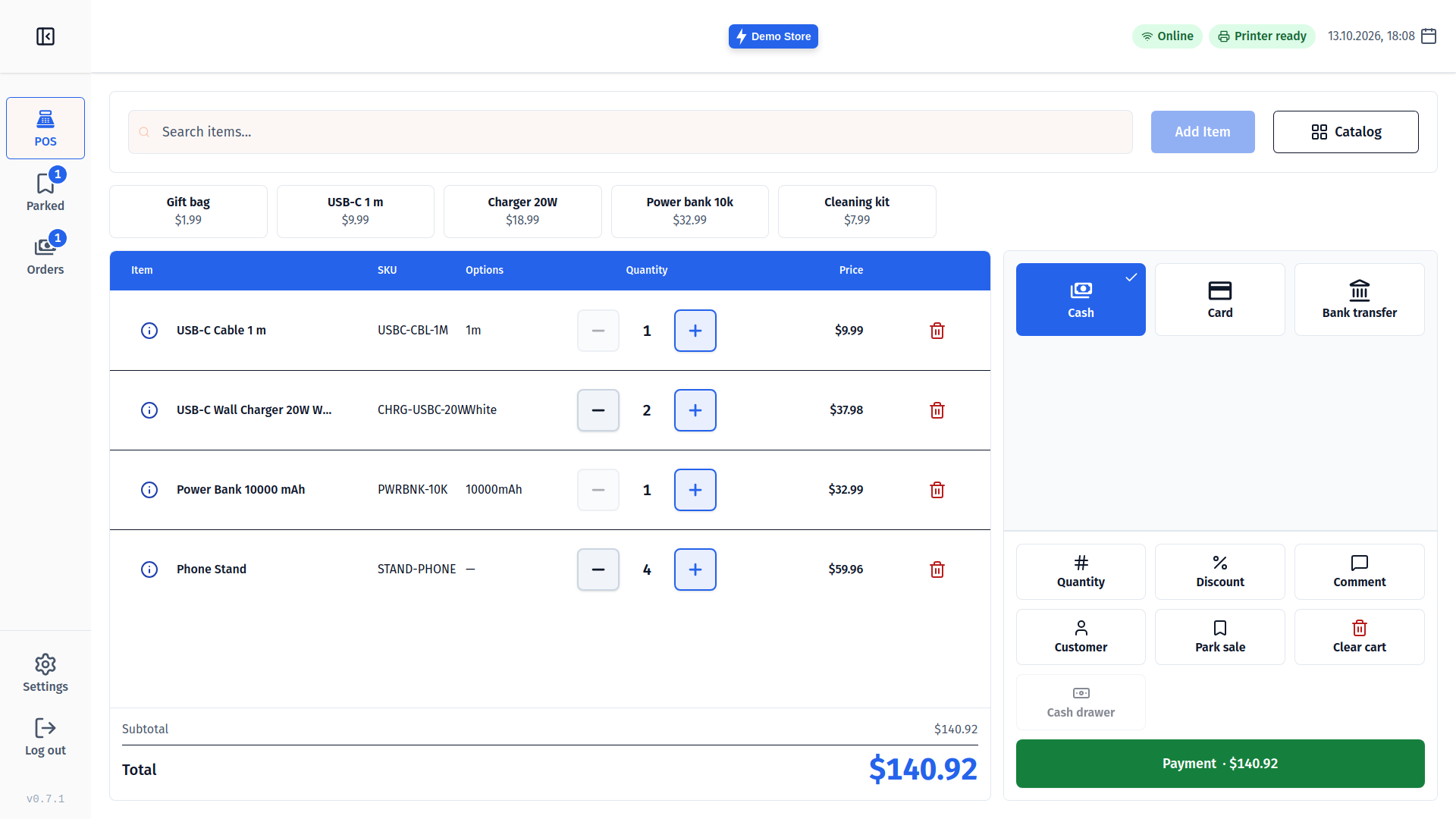
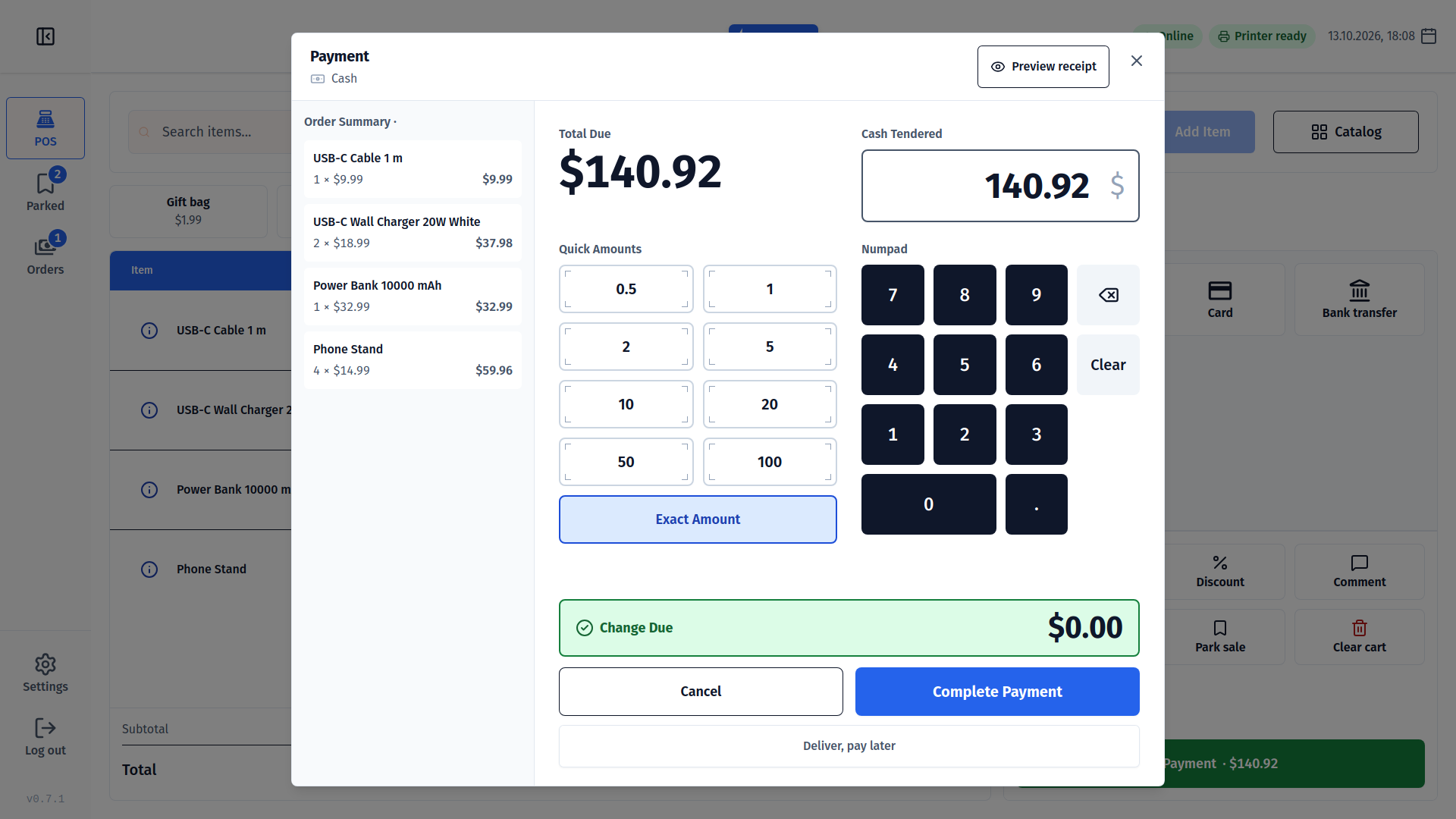
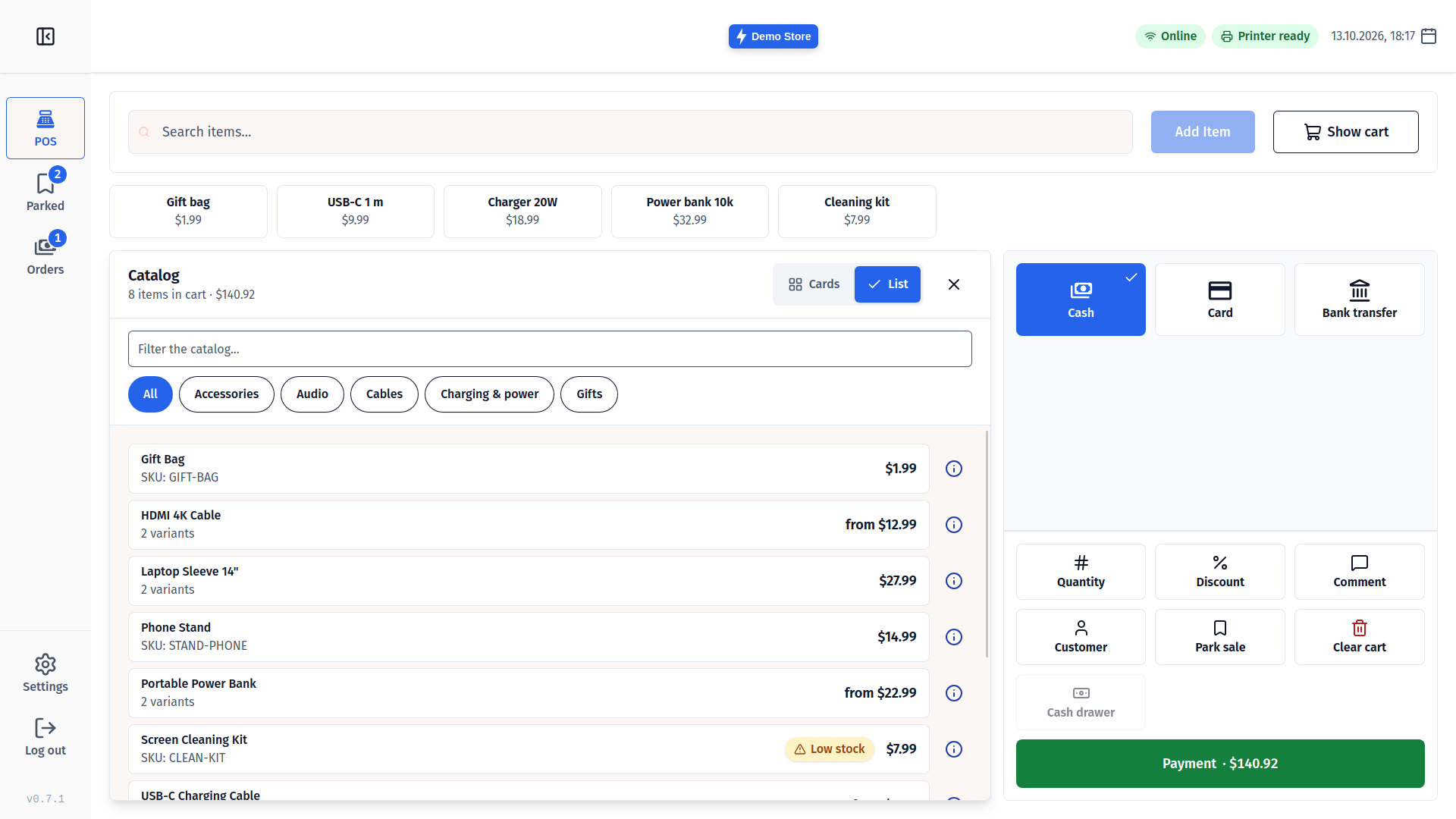
Touch-first checkout
Big buttons, a keypad for every amount and Undo for slips — made for a cashier standing at the counter.
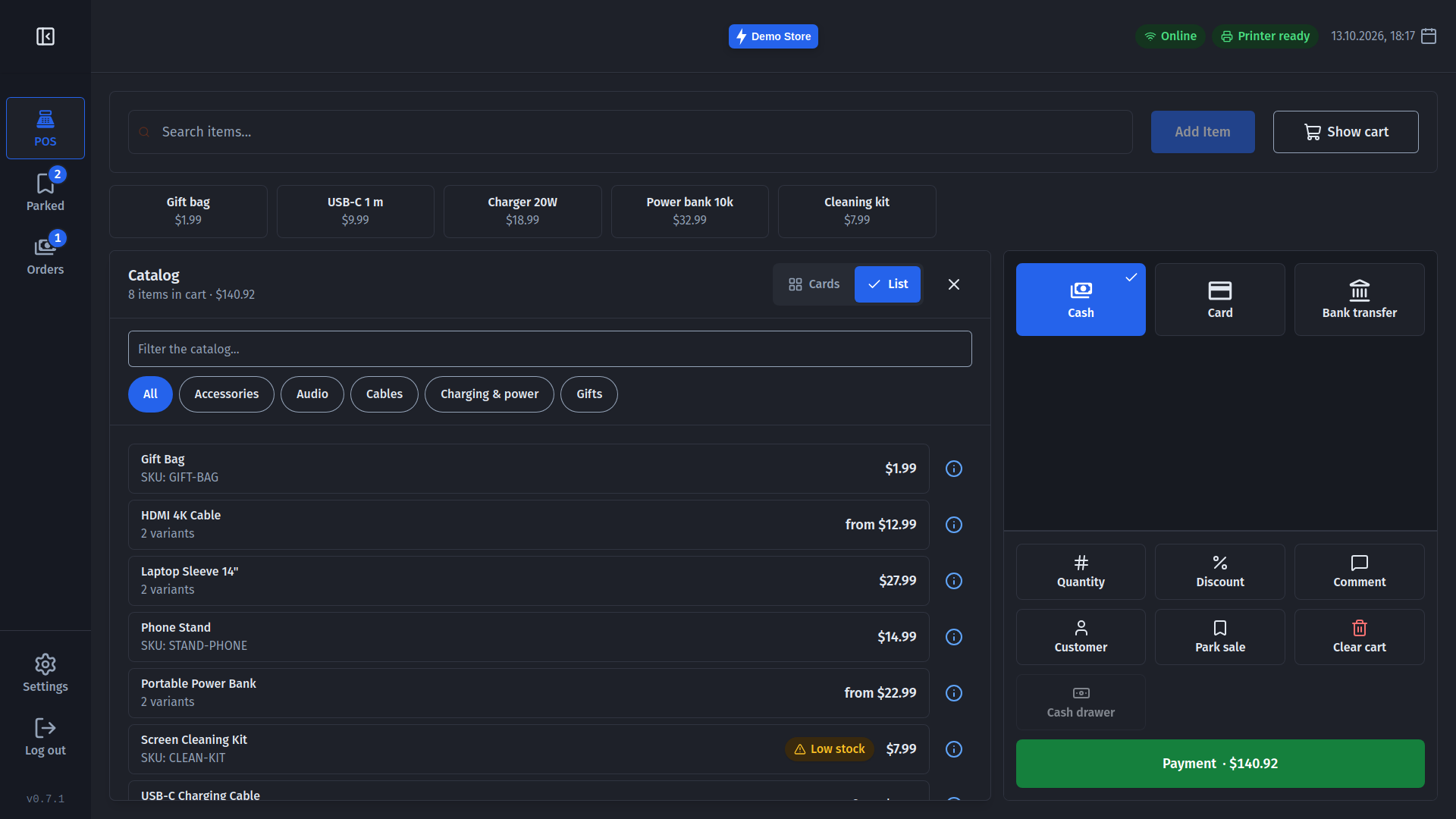
Scan, search or browse
Scan with a USB or serial scanner, search the whole catalog, or browse it by category.
Quick keys
Pin up to eight best sellers or items without a barcode as one-tap buttons above the cart.
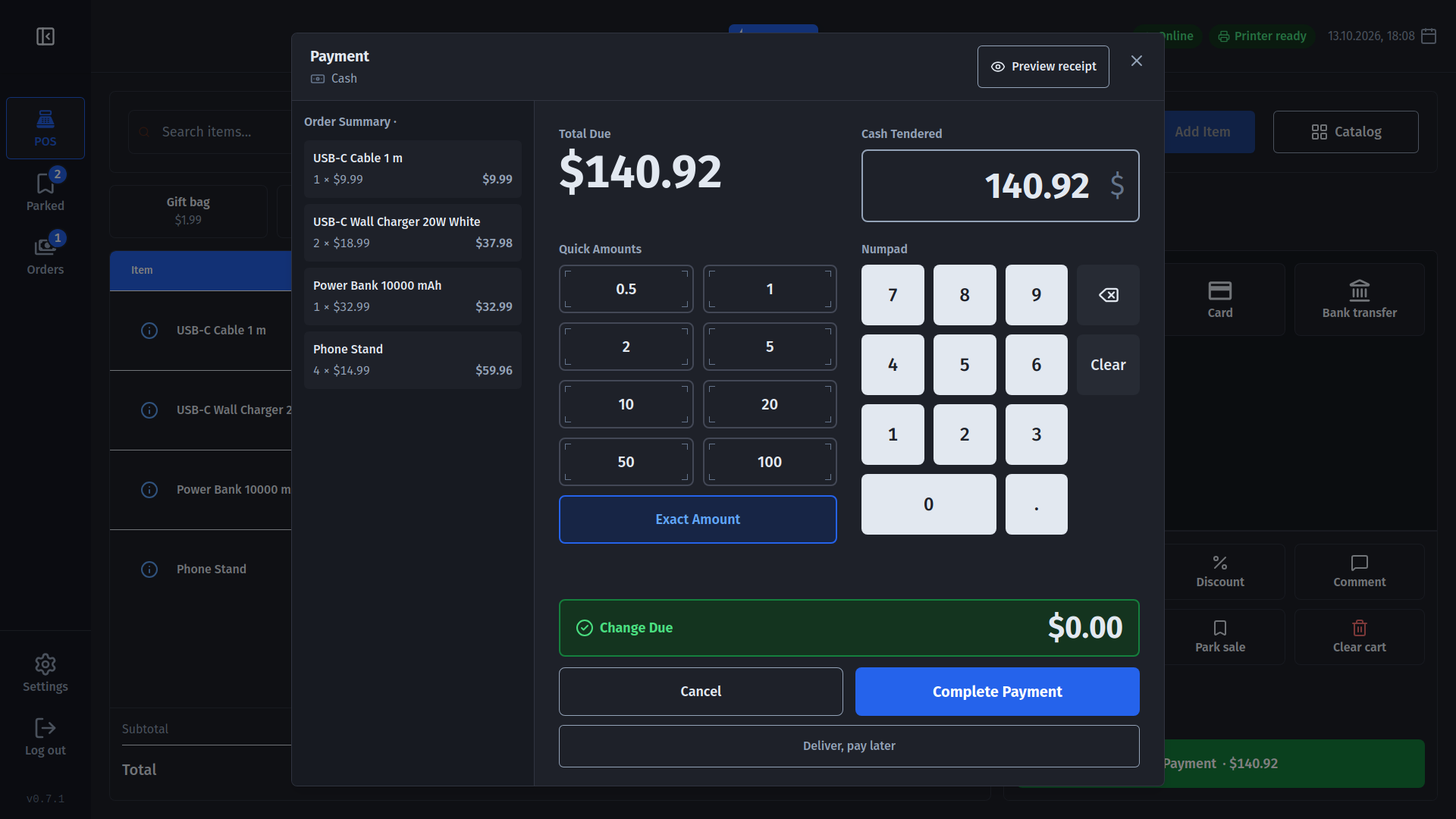
Every way to pay
Cash with change, card terminals, bank transfer or pay later — using the payment methods set up in your Medusa store.
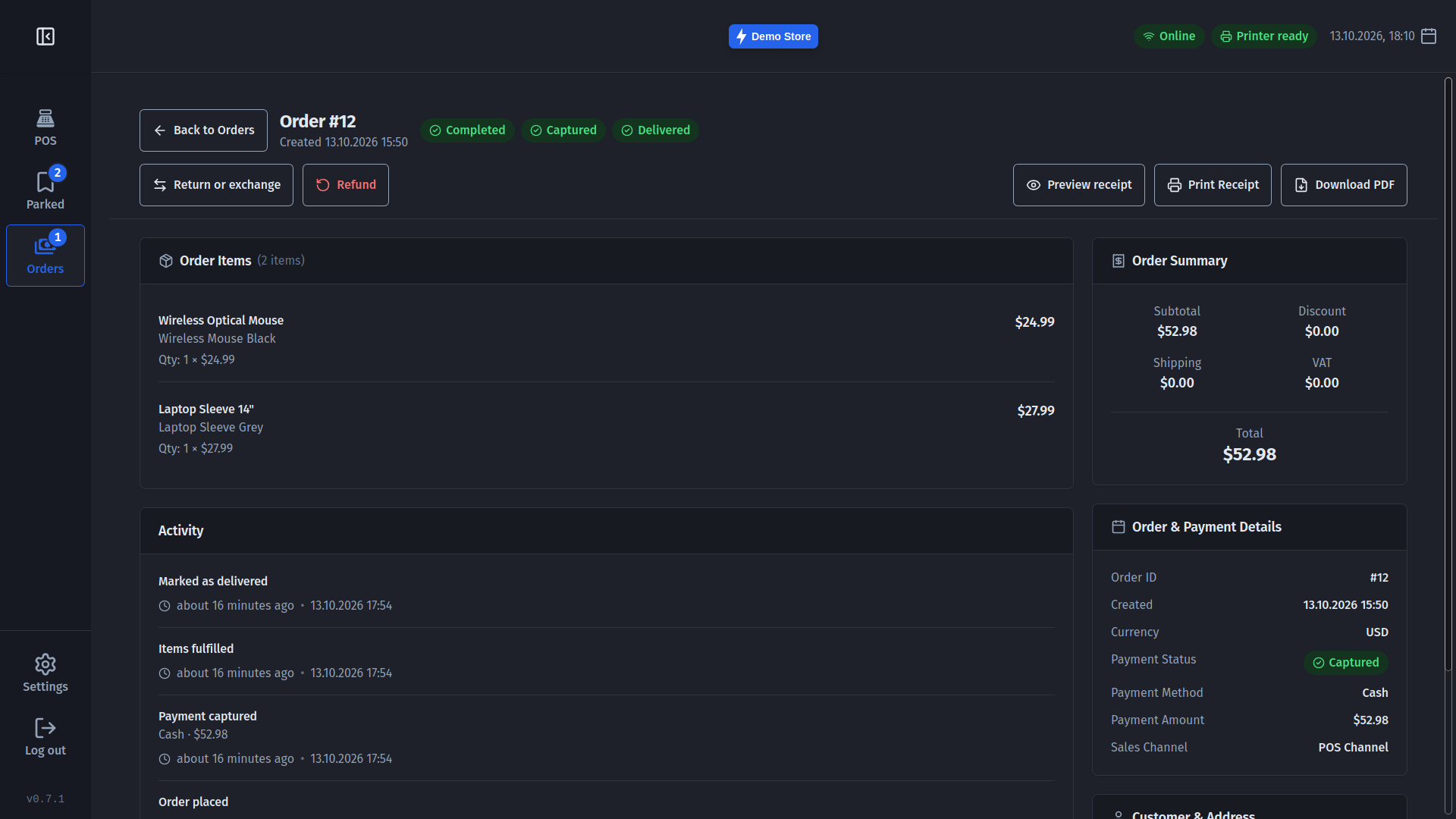
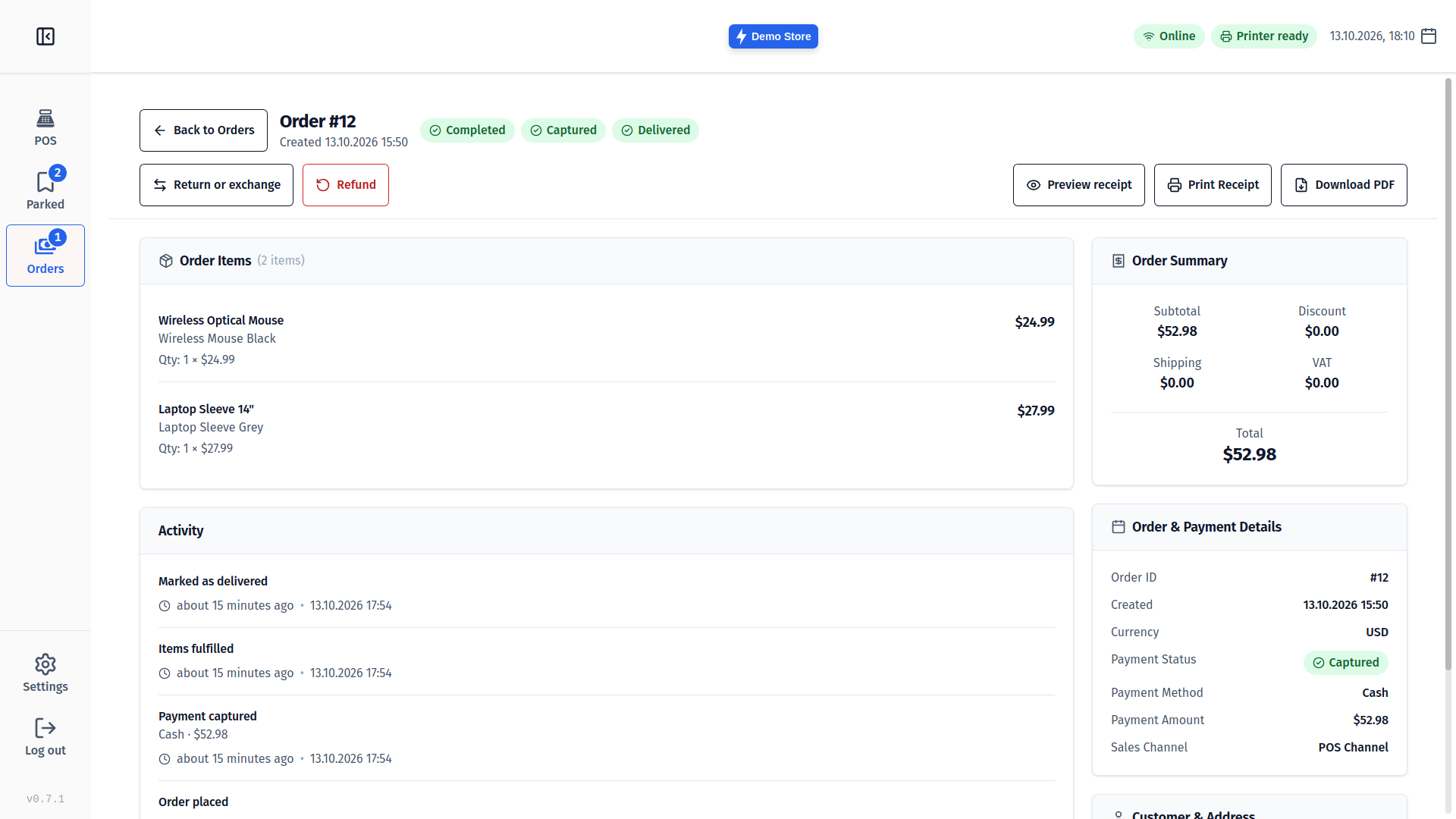
Returns and exchanges
Refund, take items back or swap them, and settle the difference right at the till.
Park a sale
Put a sale aside, serve the next customer and pick it up again on any till.
Cash register
Open and close the day, count the drawer and see over or short at a glance — with cash rounding where coins aren't used.
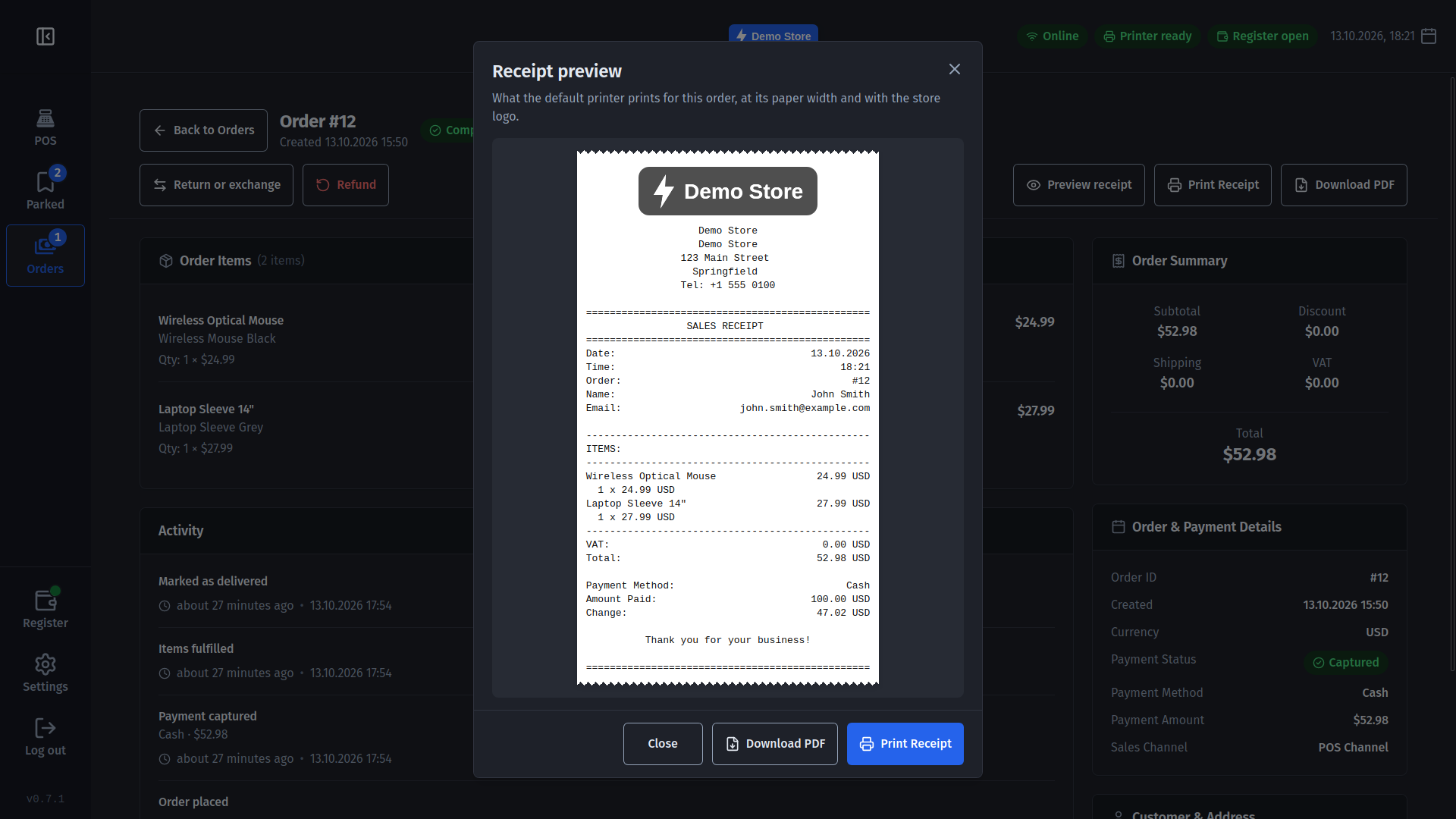
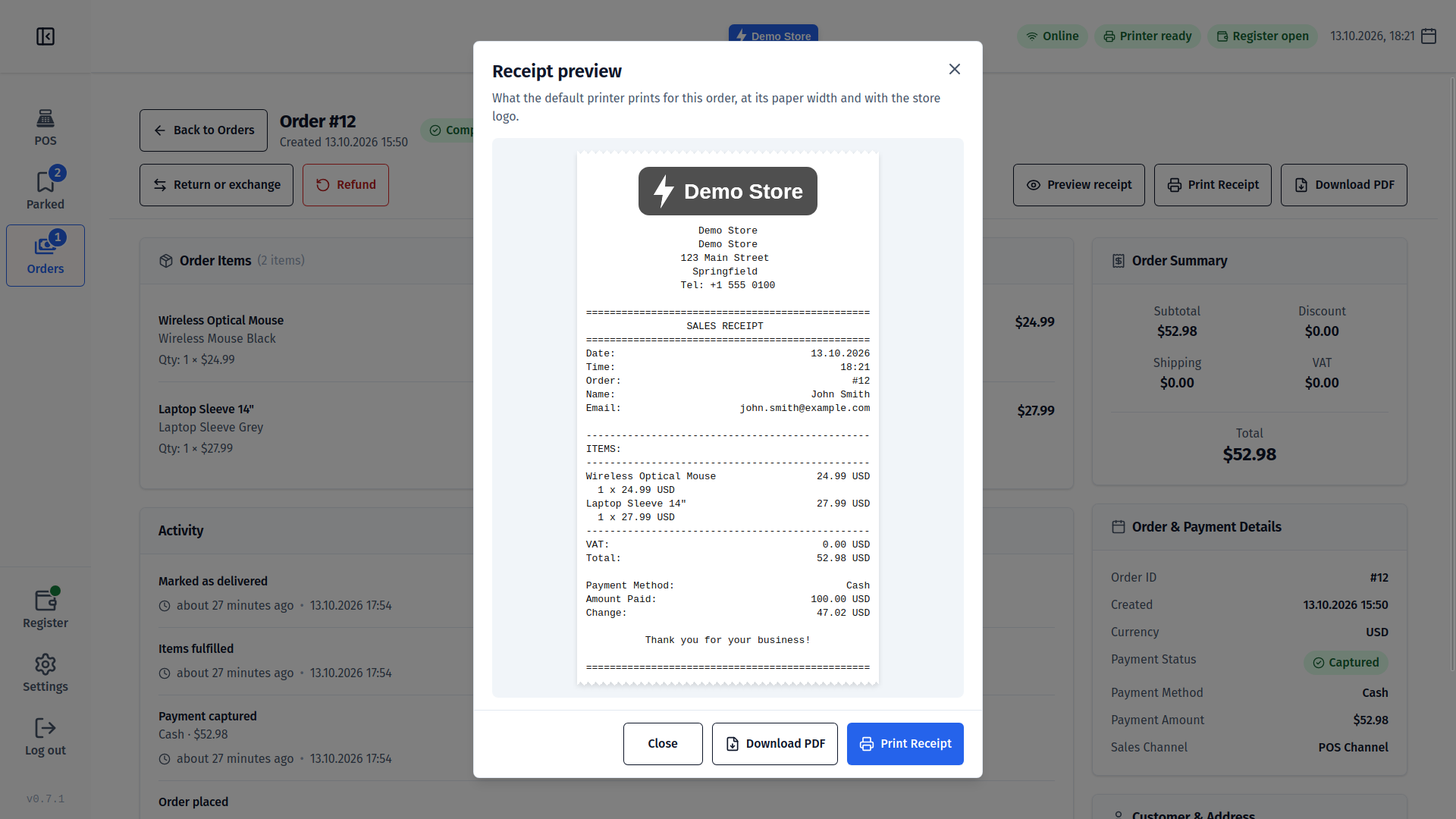
Receipts you can preview
Print to network, USB or system printers with your logo, see the exact receipt first, or save it as a PDF.
Always know your till is ready
The connection, the printer (paper out, cover open) and the register show their state in the top bar.
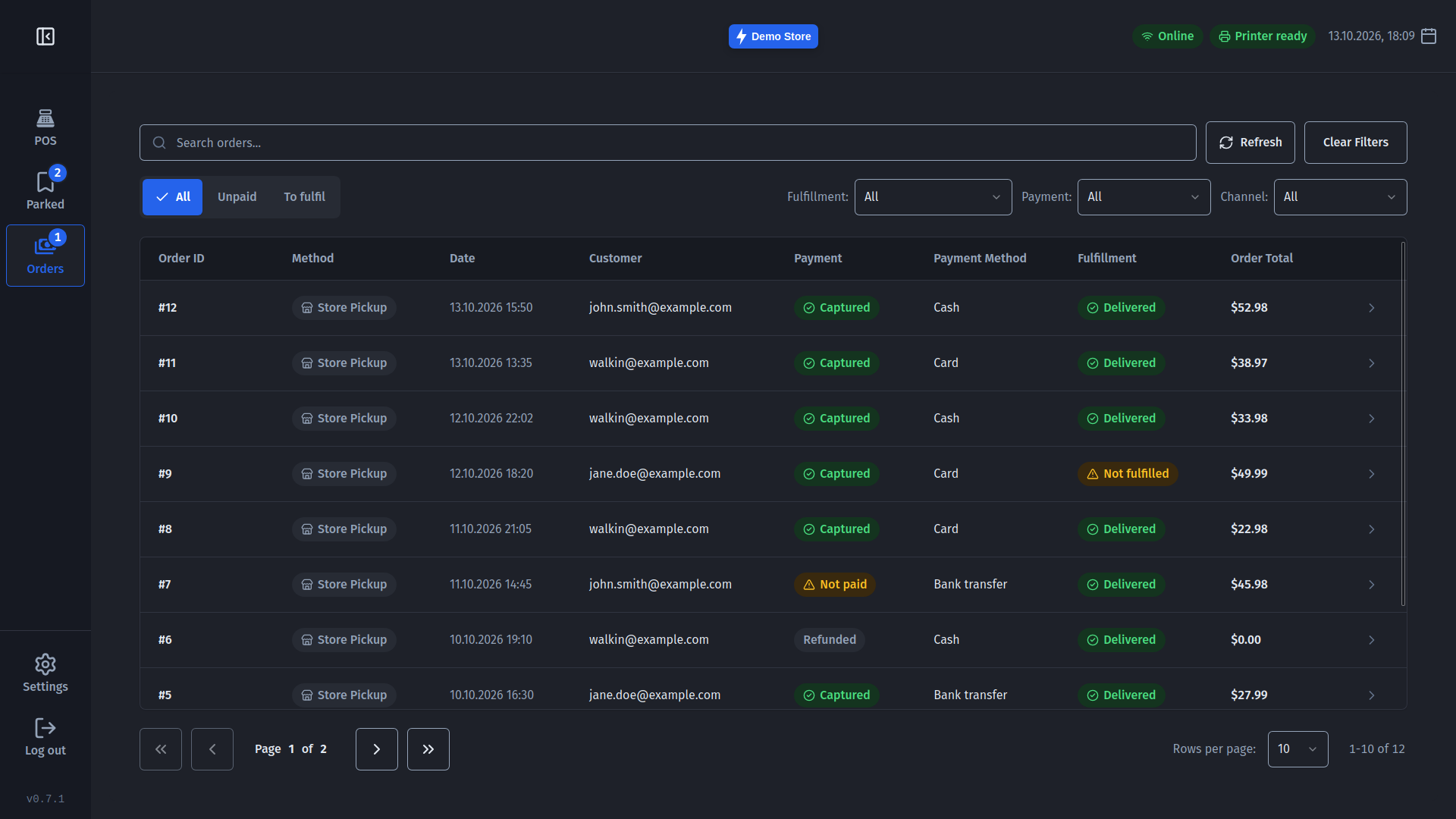
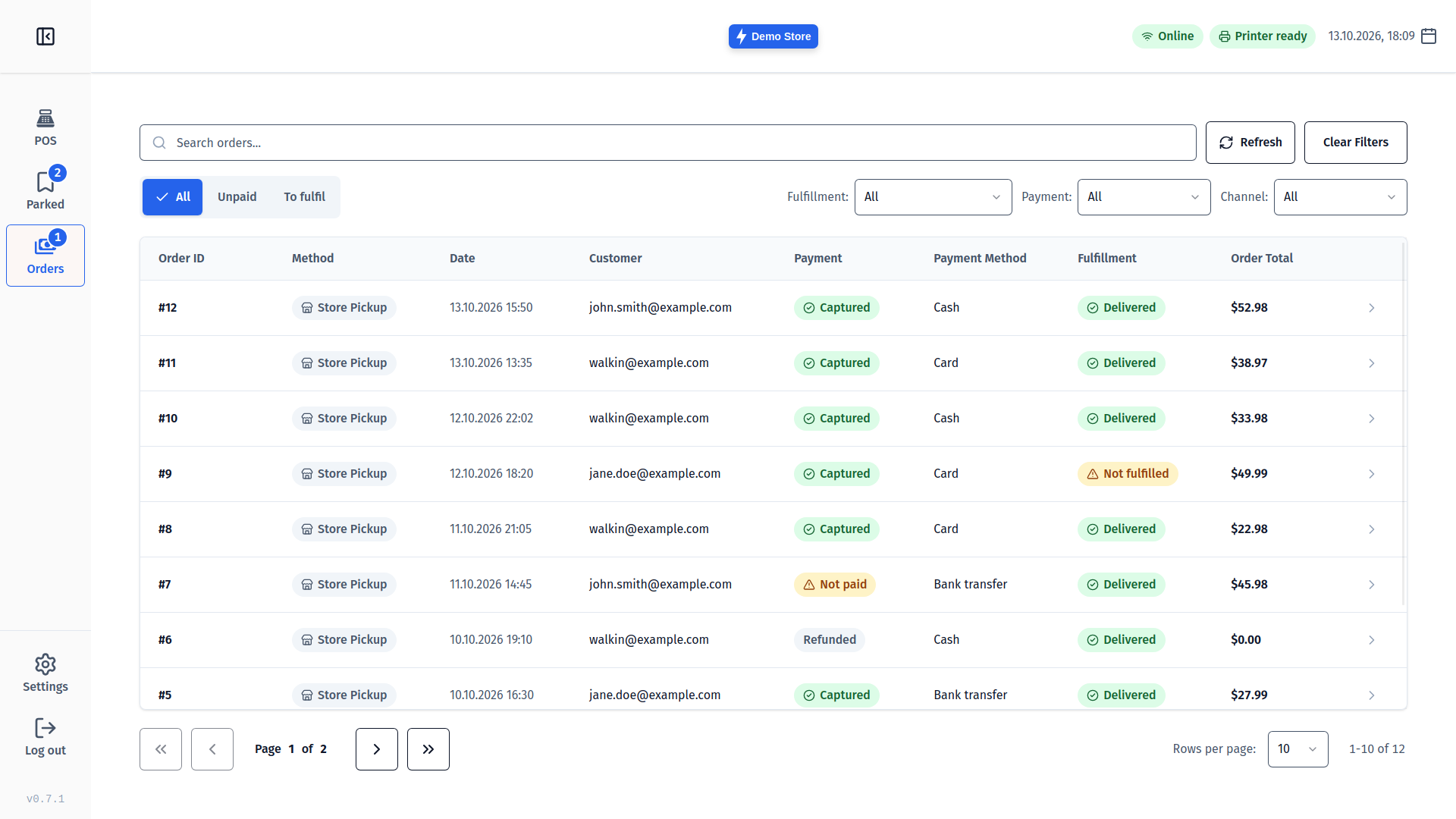
Orders at a glance
Find any sale with search and one-tap filters like Unpaid or To fulfil, then reprint, refund or mark it picked up.
Fits your shop
Seven languages, light and dark themes, a display size for your screen and only the sounds you want.
Many stores, always current
Switch stores at sign-in, and get updates that wait until the sale is finished.
Downloads
Prebuilt binaries for every major platform. All builds include signed updater artifacts for automatic updates.
Fetching latest version…
Code signing notice
- Windows — The MSI installer is code-signed by Pliu AB. While the signature builds its reputation, SmartScreen may still ask once: click More info then Run anyway.
- macOS — The DMG is ad-hoc signed but not notarized. Right-click the app and select Open, or run
xattr -cr /Applications/Medusa\ POS.app. - Linux — No code signing required. Make the AppImage executable with
chmod +xand run it.
Compatibility
Platform support
| OS | Architecture | Format |
|---|---|---|
| Windows | x86_64 | .msi installer |
| macOS | Apple Silicon (aarch64) | .dmg disk image |
| macOS | Intel (x86_64) | .dmg disk image |
| Linux | x86_64 | .AppImage |
MedusaJS compatibility
| Capability | Vanilla Medusa | Medusa + POS plugin |
|---|---|---|
| Add product to cart | Yes | Yes |
| Reliable inventory check before adding | No | Yes |
| Context-aware computed variant price | No | Yes |
| Inventory kit availability checks | No | Yes |
| Barcode lookup by scan | No | Yes |
Tested with @medusajs/js-sdk@2.21 against Medusa v2.21.x. The "Medusa + POS plugin" column refers to @narisolutions/medusa-plugin-pos.

Not running a Medusa store?
Medusa POS is a front end for an existing MedusaJS backend. If you want a point of sale that stands on its own, with products, stock, kitchen displays and reports on your own devices and no server to host, try Brindola from the team behind Medusa POS. It keeps selling when the internet is down.